Up next in 10


Get the full source code of application here:
Show More Show Less View Video Transcript
0:00
Uh hello guys, welcome to this video. So
0:02
in this video, I'll show you how to
0:03
compress and minify your XML file in
0:06
directly inside VS code. So there is an
0:09
extension which lets you do this. If you
0:12
right click, it will add this option
0:13
right here, minify XML right in the
0:16
context menu. So this will makes it very
0:18
much easy for you to minify any XML
0:21
large file. And as soon as you select
0:23
this option, your XML code will be
0:25
minified. You will see all the white
0:28
space will be removed here. So this is
0:31
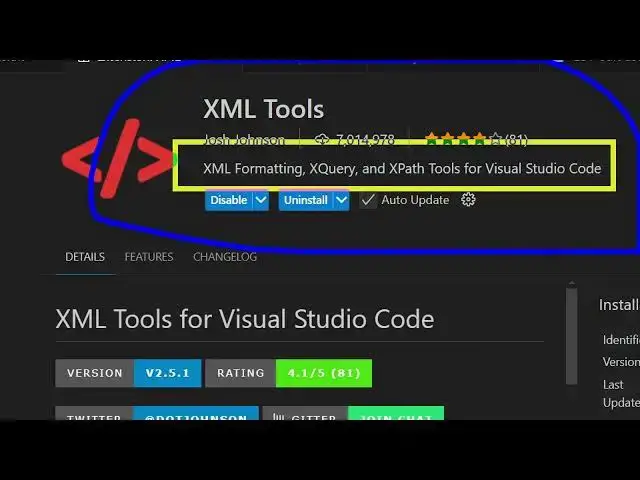
the extension. Just go to the extensions
0:33
tab and right here if you just type here
0:35
XML tools.
0:39
So the very first extension which comes
0:41
right here. This is the extension that
0:42
I'm talking about. So it's almost used
0:45
by 8 million developers.
0:47
It provides you with XML formatting
0:50
minified tools as well. But minification
0:53
it does the job for you. So once you
0:56
activate this extension
0:59
if you have a very large XML file simply
1:04
right click and then it will add this
1:06
option XML tools minify XML.
1:11
So once you do this automatically your
1:13
XML file will be minified.
1:16
So in this easy way you can use this
1:19
extension and it does the job very
1:21
easily. right click instantly your XML
1:24
file will be minified and compressed to
1:27
a smaller file. So this is the extension
1:30
definitely use it and also check out my
1:33
website freemediatetools.com
1:35
uh which contains thousands of tools.
#Software