Up next in 10


Get the full source code of application here:
Show More Show Less View Video Transcript
0:00
Uh hello guys, welcome to this video. So
0:02
in this video, I'll show you a Google
0:04
Chrome extension which able which allows
0:06
you to generate AI music very easily.
0:09
This is the name of the extension. If
0:11
you go to the extensions tab, simply
0:13
search for this extension UDIO AI music
0:17
generator. So this is two action
0:19
extensions are there. You can try any of
0:21
these. So apart from that, we also have
0:25
more extensions also.
0:28
So you can basically try any one of
0:30
them. Click on add to Chrome. And once
0:33
you add this extension, you just need to
0:35
pin the icon. Uh so once it is completed
0:39
installing,
0:42
the icon will appear right here. You
0:44
just pin the extension.
0:48
So right here you simply provide the
0:50
description what sort of song you want
0:52
to generate here. custom mode
0:55
instrumental everything you have.
0:58
So I will simply say
1:05
uh
1:09
car
1:11
racing game music
1:16
simply type the description what's
1:18
Friday folk song about nature and the
1:21
changing seasons. So you click on
1:23
generate music
1:28
can even do.
1:31
So first of all you do need to continue
1:34
with Google right here.
1:40
I think this extension is not working.
1:42
But what you can do
1:44
you can basically try another extensions
1:47
which is this one. I think it's got
1:50
almost 7,000 installs. So, you can
1:53
basically try different extensions. Just
1:55
pick
1:57
try different and just see after it
2:00
installs. This also has the same
2:03
interface you provide. You can even
2:05
change the voice gender as well.
2:14
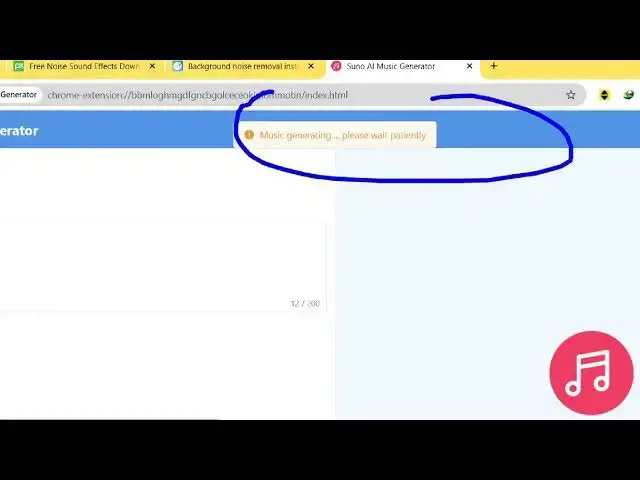
So now we just need to wait. coding
2:17
music I just put here.
2:20
So it is generating the music for you.
2:29
So once it completes you will be able to
2:31
hear it inside this audio player right
2:34
here. It is generating right here. So
2:37
all these custom options are also
2:38
available instrumental custom mode
2:41
everything
2:49
in general if you just type here AI
2:51
music in the extensions quite a number
2:54
of extensions will come right here.
2:59
You can try any of one of these tool.
3:08
So now if you see it is generated this
3:12
music right here
3:15
it also generated the lyrics as well as
3:17
you can see.
3:20
So just need to give some ample amount
3:22
of time so that the process is complete.
3:25
So once it completes you can listen the
3:27
audio which is generated the music which
3:30
was generated. So quite a number of
3:33
extensions are there you can try
3:35
individually one by one and just see the
3:37
output.
#Music & Audio
#Music Streams & Downloads