Up next in 10

Checker Plus Gmail Google Chrome Extension – Notifications, Voice Reading & Offline Access
Aug 18, 2025

Get the full source code of application here:
Show More Show Less View Video Transcript
0:00
Uh hello guys, welcome to this video. So
0:02
in this video, I'll show you a very
0:04
useful Google Chrome extension
0:05
specifically for your Gmail account. So
0:07
if you receive a brand new
0:11
uh email, you will get a notification
0:13
using this Google Chrome extension. You
0:15
don't need to manually open your account
0:17
every time to see messages. It will show
0:20
you this notification right here that
0:22
you get this message if you want to read
0:25
it or delete it right here. The
0:27
shortcut. So the extension name is
0:29
checker plus for Gmail. This is used by
0:31
almost 1 million developers. So click on
0:34
add to chrome button and simply add this
0:37
extension. And as soon as you do this uh
0:43
this will be enabled. So just need to
0:49
uh click this extension.
0:53
[Music]
0:54
So now automatically as soon as it did
0:57
so it automatically shows me the
0:58
notification that I received
1:01
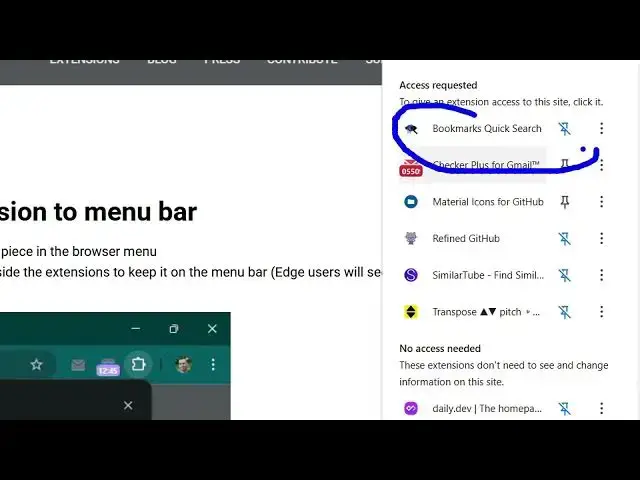
an email right here. So
1:05
you can pin this extension
1:10
anywhere else. So
1:13
basically this is the thing you simply
1:15
click this button and right here select.
1:30
So this is actually your extension.
1:38
So now you can see this extension is
1:40
added here and uh
1:43
it basically get access to all your
1:45
emails and it shows you right here
1:47
itself
1:48
who which are your latest emails which
1:50
are received here and you will get this
1:52
nice little sound as well when you when
1:55
you receive notifications
1:57
right here itself.
2:00
So either you can delete this message,
2:02
click the delete icon or you report
2:07
archive it on. So this is really easy
2:10
here you can see that right here itself
2:13
you can search for any email that
2:15
suppose I search for
2:18
YouTube related and then automatically
2:19
it will type this URL in the browser and
2:22
you will be searching emails as well.
2:25
It's a very useful extension for your
2:27
Gmail account. It will save you a lot of
2:30
time. You don't need to manually open
2:32
Gmail again and again to actually see
2:34
the emails. You will get a notification.
2:37
Simply activate this extension
2:39
and it actually shows you the list of
2:41
all your emails right in the if you from
2:44
a single click.
2:47
So you can check your latest emails by
2:49
clicking this. Uh this is their
2:50
extension checker plus for Gmail. Simply
2:53
activate this and after that here your
2:57
are all your emails which will be there
3:00
and you can manage multiple accounts as
3:02
well. So right in the three dots
3:05
uh you can select out all these options
3:10
are available to you. You can customize
3:12
the notifications as well. Change the
3:15
sound as well.
3:18
So you can select the language of the
3:21
sound of it as well. If you don't want
3:23
to turn it off, you can also turn it off
3:25
as well. You can control the volume as
3:28
well. So these are all the options. And
3:30
the nice thing about that is it's
3:32
completely free. There is no
3:33
subscription fees. It's this extension
3:35
is totally free here. And by default, I
3:39
added one account here. You can add
3:40
multiple accounts as well.
3:45
So you can see that. So
3:54
this is the extension there. It also
3:56
supports do not disturb mode as well. So
3:59
definitely try this uh extension.
#Business & Productivity Software
#Web Services
#Email