Up next in 10


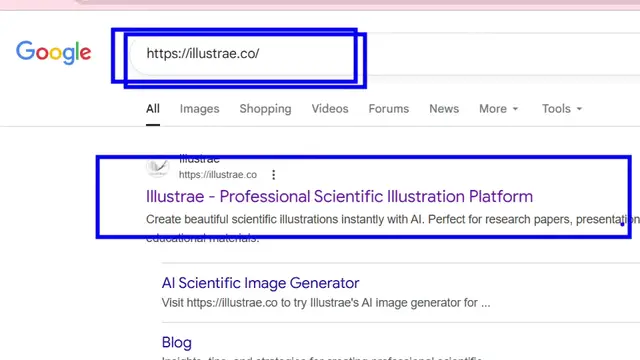
https://illustrae.co/
Show More Show Less View Video Transcript
0:01
Uh hello guys, in this uh live stream I
0:04
will actually show you a really
0:05
important AI website. If you want to
0:08
generate scientific diagrams, if you are
0:11
a scientific developer, you want a AI
0:14
for developing your diagrams, you can
0:16
actually use this AI website. It's
0:18
called as illustri.co.
0:21
If you simply search this on Google, the
0:22
very first website which comes right
0:24
here. So it actually generates
0:26
professionallooking scientific
0:28
illustrations and diagrams for research
0:30
papers. If you are a scientist, you want
0:32
to design some presentation research
0:34
paper, then this AI will be perfect for
0:37
you. Simply search for this and it's
0:40
completely free. Uh now to get started,
0:43
you click on the sign in button. Simply
0:45
sign up using your Google account. It
0:48
hardly takes 2 minutes to sign up. So
0:50
once you sign up right here, you will be
0:52
redirected to the dashboard area. So
0:55
right here you actually see this
0:57
dashboard. You click on the new canvas
1:00
simply. So if you see these are the
1:03
plans right here. The paid plan also
1:06
start with $4 per month and it gives up
1:09
to 50 images generations per month. It
1:13
also have the unlimited plan as well
1:15
which start with $12 which allows up to
1:19
it also have the lifetime plan as well
1:22
like this. So if you want to simply
1:26
continue the free plan you see this.
1:32
So these diagrams will be generated as
1:34
you see whatever
1:40
you basically select from your poster
1:43
here whatever poster you want to select
1:46
and then you also select the
1:53
so here you simply type the prompt here
1:56
whatever diagram that you want to
1:57
generate from here and then click on
2:00
create and after that it will generate
2:02
it.
2:10
I think unfortunately you do need to
2:12
upgrade here. It's telling us that uh
2:15
it's not available in the free plan.
2:18
You actually get zero by zero designs.
2:53
If you basically simply type this on
2:55
Google, some more websites can also come
2:58
right here. One other website is this
3:01
one which is eedraw.ai. This also does
3:04
the same thing. uh you can but in this
3:07
you can try this for completely free.
3:09
Inside the chat prompt you specify what
3:12
sort of diagram you want to generate. So
3:14
here again you simply sign up using your
3:16
Google account. So there are many
3:19
options which are available.
3:26
So once you sign up right here uh you
3:28
will see this chat prompt right here.
3:30
You specify what sort of diagram you
3:33
want to generate here. So you say
3:44
so right here you specify what sort of
3:46
diagram you want to generate. Uh let the
3:49
AI do the job for you.
4:01
So once it generates you will actually
4:03
see the diagram will be generated and
4:06
just
4:24
you also get the export button. as well
4:26
to export the diagram into PDF, image
4:28
everything all these options.
4:59
So now you can see it has successfully
5:01
generated this uh scientific diagram for
5:03
you human digestion diagram. So it is
5:06
really good diagram which is generated
5:09
as you can see right here it highlighted
5:12
each and every section right here with
5:14
complete details good color combination
5:16
as well. So then now you can what you
5:19
you can do you can export this diagram
5:24
as a image file or SVG file everything
5:27
you click on export your diagram is
5:30
successfully exported as well. So these
5:32
are the two you will see this uh
5:36
watermark which will be added. So for
5:39
upgrading it I think you need to upgrade
5:41
but these are the two websites you can
5:43
try this for scientific diagram
5:45
generation.