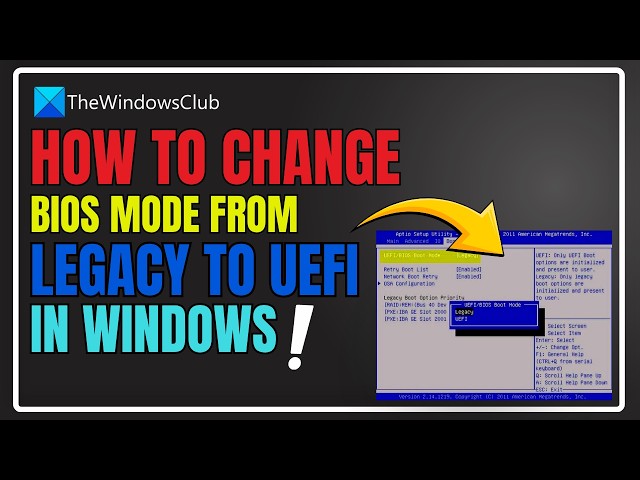

How to change BIOS mode from Legacy to UEFI in Windows 11
Apr 21, 2026

In this video, we will show you how to switch or change BIOS Mode from Legacy to UEFI without reinstalling Windows. Some new generation motherboards for PCs and Laptops bring in support for both UEFI or Unified Extensible Firmware Interface as well as BIOS or Basic Input Output System.
The main advantage of UEFI over the traditional BIOS is that it supports hard drives with capacities greater than 2 Terabytes. But the downside of UEFI is the fact that only x64 versions of the Windows operating system are supported and the hard drive is supposed to use the GPT structure. If your computer supports UEFI and you want to change BIOS Mode from Legacy to UEFI, we will discuss the steps here. Let's get started!
Link: https://www.thewindowsclub.com/how-to-change-legacy-to-uefi-without-reinstalling-windows-10
00:00 Intro
01:00 Convert MBR to GPT using Windows Utilities
02:02 Convert MBR to GPT using the Recovery Environment
commands :
mbr2gpt.exe /convert /allowfullOS
mbr2gpt MBR2GPT Disk Conversion Tool
mbr2gpt.exe /convert
Other Links:
https://www.thewindowsclub.com/how-to-run-command-prompt-as-an-administrator
https://www.thewindowsclub.com/how-to-run-command-prompt-as-an-administrator
Show More Show Less