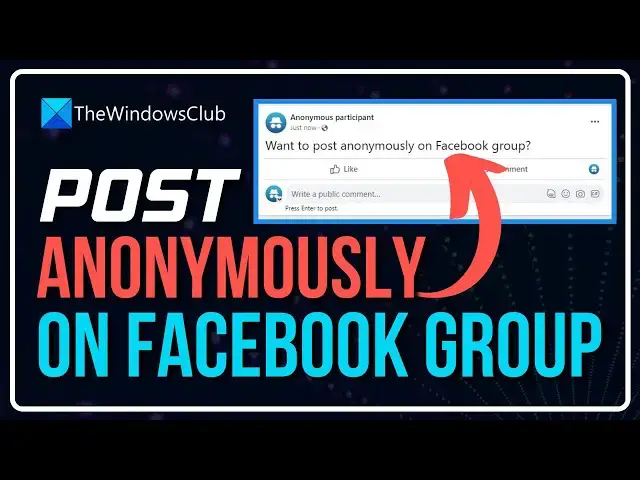

How do you comment anonymously on a Facebook group
Jun 14, 2024

Creating an anonymous post in a Facebook group is not hard, and as such, we are going to explain how to get this is done in less than 5 minutes or less. We should note that not every group on Facebook supports anonymous posting. It all depends on what the creator wants.
1] Log into your Facebook account
2] Go to the relevant Facebook group
3] Identify the post where you want to comment
4] Look for the Anonymous Post button and select it.
5] From there, click on Create Anonymous Post and then do your thing.
Learn more on https://www.thewindowsclub.com/how-do-you-comment-anonymously-on-a-facebook-group
Show More Show Less