
Why and When To Use Merge Shapes Union Command in PowerPoint Tutorial
Aug 1, 2023
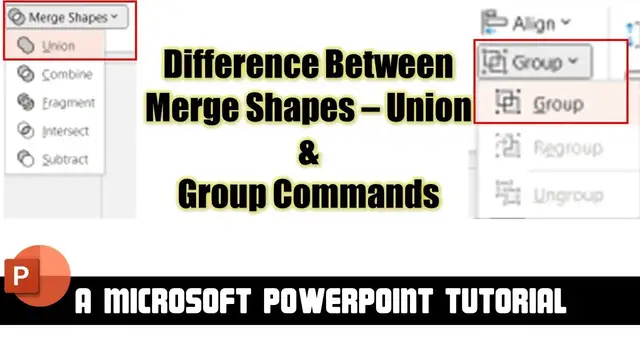
In this tutorial,. I will teach you the difference between the Merge Shapes Union Command and Group / Ungroup Commands of Arrange Section.
⭐ Support Us on Patreon and Download Sample Presentations For Free:
https://www.patreon.com/posts/66247633
? Support For A Cause @ https://www.patreon.com/TheTeacher
? Animation Inspirations By:
Andrew Wang-Hoyer
https://in.pinterest.com/pin/130956301655917042/
✍ About Using Merge Shapes Union and Group / Ungroup Commands
There are two major differences between using the Merge Shapes Combine command or Group Command of the Arrange section.
The first difference is if you Union two or more shapes then they get converted into a single Freeform Shape, whereas Grouping Shapes move them into a single layer but you can still select each of the sub-layer within from a group.
The second difference is applying the Emphasis Animation effects. On Union Shapes, you can apply almost all the Emphasis effects, whereas most of the Emphasis effects may remain disabled over the Grouped shapes.
? Recommended Videos
Show More Show Less #Visual Art & Design
#Software
#Business & Productivity Software
#Clip Art & Animated GIFs
#Reference