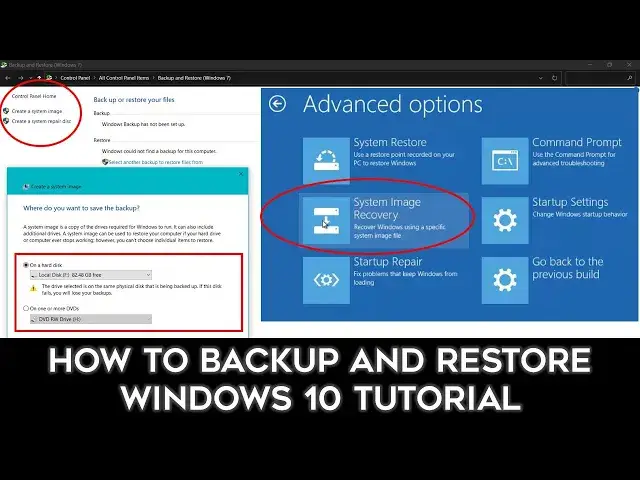

Step-by-Step: Windows 10 System Image Backup and Restore
Mar 29, 2024
In this comprehensive Windows 10 tutorial, you'll learn how to create a complete System Image Backup and effortlessly restore your PC to a previous state using Windows 10's built-in Backup and Restore utility. This powerful feature has been a part of Windows since its introduction in Windows 7, and it can be a lifesaver in case of system failures or data loss.
📥 **Try Wondershare UBackit for a 1-Month Free Trial** 📥
Backup your cherished data and memories with ease using the new generation of backup software. Upgrade your backup experience with automatic backup, intelligent notifications, and a user-friendly interface. http://bit.ly/2PuGtv6
**In this tutorial, you'll discover:**
- The step-by-step process of creating a System Image Backup in Windows 10.
- Choosing the right storage location for your backup.
- Selecting the drives to include in your System Image Backup.
- Tips for ensuring a smooth restoration process.
- Creating a system repair disc for easy recovery in case of system failure.
- Checking your image files and managing them effectively.
- Restoring your system using both a repair disc and advanced startup options.
**This tutorial is suitable for users of Windows 7, Windows 8, and Windows 10.**
🌟 **Support a Cause** 🌟
Consider supporting us on Patreon at
https://www.patreon.com/TheTeacher
Show More Show Less #Software
#Operating Systems
#Software Utilities