
How to Bypass User Login Screen in Windows 10 Tutorial
Mar 29, 2024
In this Windows 10 Tutorial, you will learn that how you can set Windows to automatically login into a particular user account and bypass the login screen.
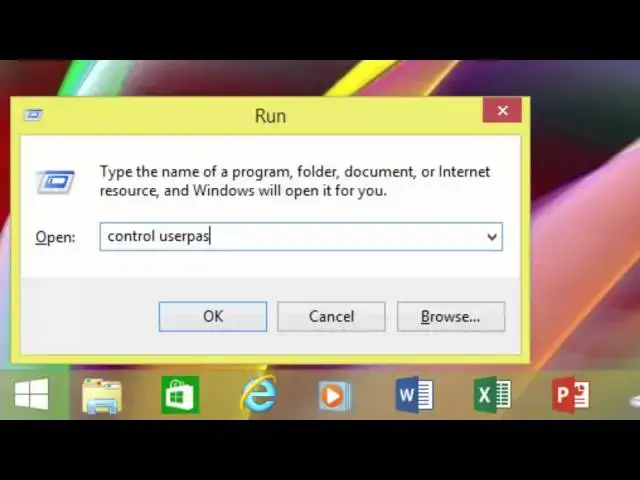
To speed up the boot process, you can set Windows to Automatically Login to User Account but only if you are the only user of the computer and feel secure doing this. You can use NETPLWIZ or CONTROL USERPASSWORDS2 commands to accomplish this task. In this tutorial, you will learn to set Automatically Login or Signing In To User Accounts in Windows 10 and Windows 8.1.
Do remember that, if you later change the password of the same user account then you need to repeat the steps to update the password for automatic login.
Also if you change the Computer Name later then you have to repeat the steps again for automatic login to your user account.
Information also applies to the following versions of Windows:
Windows 7
Windows 8 / 8.1
🎸 Music Credits:
http://jwintermusic.com/
👧 Narrated By:
Emma (TTS)
🔔 Subscribe for more tutorials: https://www.youtube.com/TheTeacher?sub_confirmation=1
Show More Show Less #Software
#Operating Systems