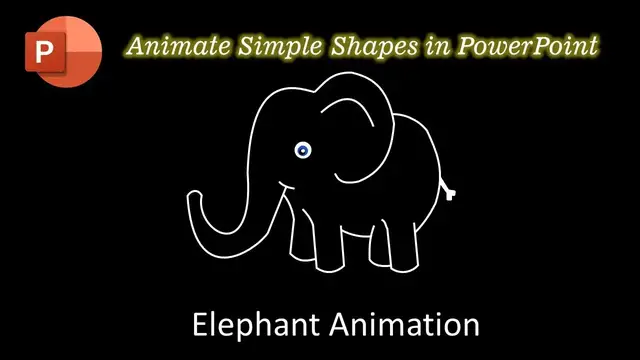

How To Animate Simple Shapes in PowerPoint Tutorial | Elephant Animation - Ep.1
Aug 9, 2023
In this tutorial, you will learn how to animate simple shapes in PowerPoint using a few simple effects.
✍ About the Elephant Animation
We used the Freeform Shape tool to draw different body parts of the Elephant. We also grouped these body parts with an oval define a Custom Anchor Point so we may later use the Spin Effect to rotate them from a specific position that we want.
To create the Eye Blinking effect, we used the Grow/Shrink animation effect with 2% Vertical Ratio with Auto Reverse.
⭐ Support Us Patreon : 1-Click Download Elephant Animation Presentation PPT
https://www.patreon.com/posts/61525942
😀 Animation Inspirations @
Lea Rosema @ https://codepen.io/learosema/pen/QWvKGMZ
👌 Recommended Videos
How To Define Custom Anchor Point
https://www.youtube.com/watch?v=quvBb4pNMPg&vl=en
✅ Recommend Playlists:
Show More Show Less #Online Goodies
#Clip Art & Animated GIFs
#Animated Films