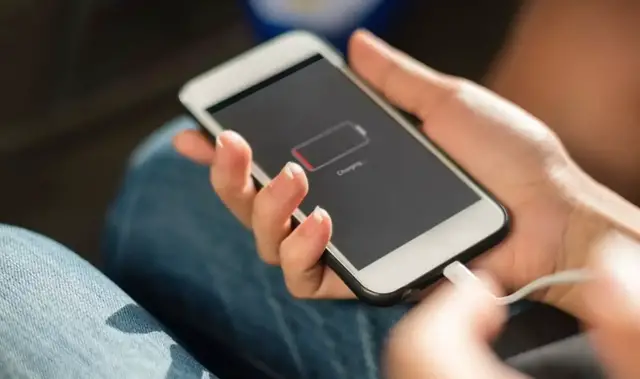

How to fix phone battery draining fast after update
Aug 22, 2024

Experiencing rapid battery drain on your phone can be frustrating, especially when you need your device to last throughout the day. Several factors, including software issues, settings, and app behavior, can contribute to this problem. Fortunately, there are multiple strategies you can employ to improve your phone's battery life.
Identify Battery-Draining Apps:
Go to Settings > Battery (or Battery usage) to check which apps are consuming the most power. Uninstall or limit the usage of any app that appears to be draining more battery than usual.
Adjust Screen Settings:
Reduce the screen brightness and set a shorter screen timeout. Using adaptive brightness can help optimize power consumption based on your environment.
Turn Off Unnecessary Features:
Disable Wi-Fi, Bluetooth, GPS, and mobile data when not in use. Consider using Airplane Mode in areas with poor reception to prevent your phone from continuously searching for a signal.
Restrict Background Activity:
Limit background data and app activity. Go to Settings > Data usage or Battery settings and restrict apps that don't need to operate in the background.
Update Your Software:
Show More Show Less #Computers & Electronics