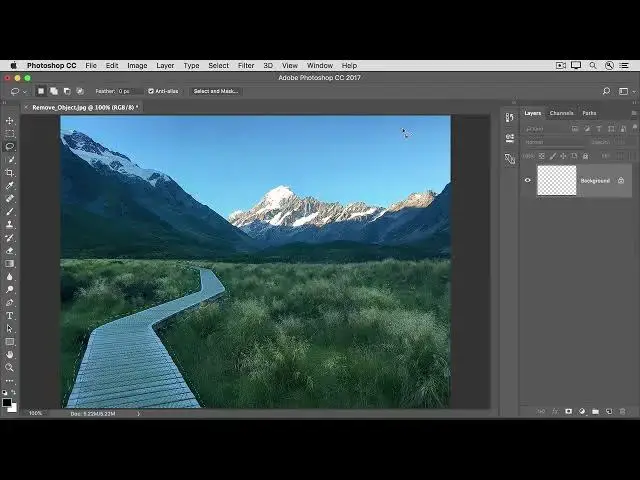

How to use the Content Aware fill command to remove an object in photoshop 2022
Aug 31, 2024

In this video we will learn how to use the Content Aware fill command to remove an object in photoshop 2022 - www.easy-tutorials.com
What you learned: To remove objects with Content-Aware fill
In the Layers panel, select the layer that contains a large object or person you want to remove.
Use a selection tool to select the object. Make sure to include a little of the background all the way around the object.
In the menu bar, choose Edit / Fill.
In the Fill dialog box, choose Content-Aware in the Contents menu and then click OK. Your selection will fill with content that matches the background, hiding the unwanted content from view.
If you don’t like the result, try applying Content-Aware fill again. You may get a different result with each try
Show More Show Less