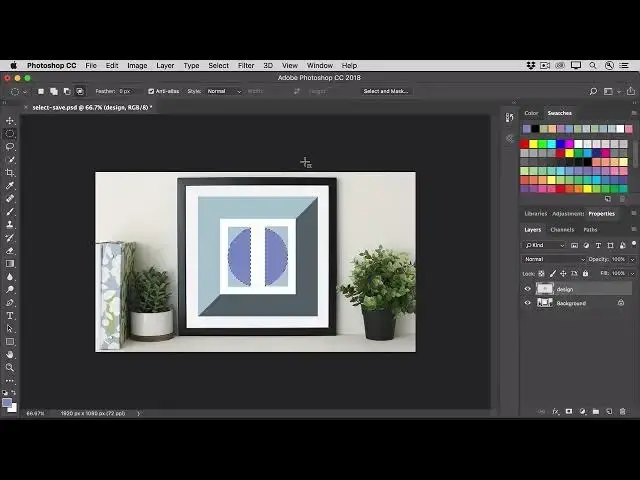

How to save a selection so you can use it again in Photoshop 2022
Aug 31, 2024

In this video we will learn how to save a selection so you can use it again in Photoshop 2022 - www.easy-tutorials.com
What you learned: Save a selection and load a selection
Save a selection
Make a selection using any of the selection tools or methods. To save this selection, choose Select / Save Selection.
In the Save Selection dialog box, go to the Name field and give this selection a name. Click OK to close the Save Selection dialog box.
If you don’t need the selection at the moment, press Command+D (MacOS) or Control+D (Windows) to deselect.
Load and re-use the selection
You can bring this selection back into view at any time. Choose Select / Load Selection.
In the Load Selection dialog box, go to the Channel menu and choose the selection by name. Click OK to close the Load Selection dialog box. The selection appears again in the image.
Show More Show Less