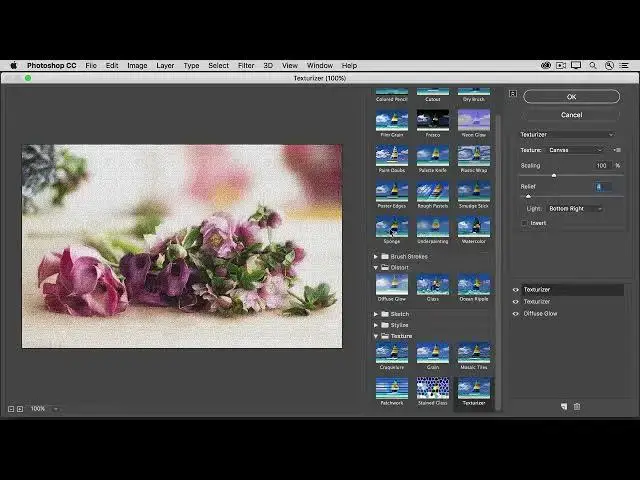

How to apply creative filters using the Filter Gallery in photoshop 2022
Aug 31, 2024

In this video we will learn how to apply creative filters using the Filter Gallery in photoshop 2022 - www.easy-tutorials.com
What you learned: To use the Filter Gallery
Select a layer that contains content you want to change.
Go to the menu bar and choose Filter / Filter Gallery.
Try the different filters and adjust their settings for the desired result.
Experiment with adding multiple filters in the Filter Gallery and changing their stacking
order.
Click OK to close the Filter Gallery and apply the filters you chose. You can also filter after you create a selection to apply filters to only the selected area.
Show More Show Less