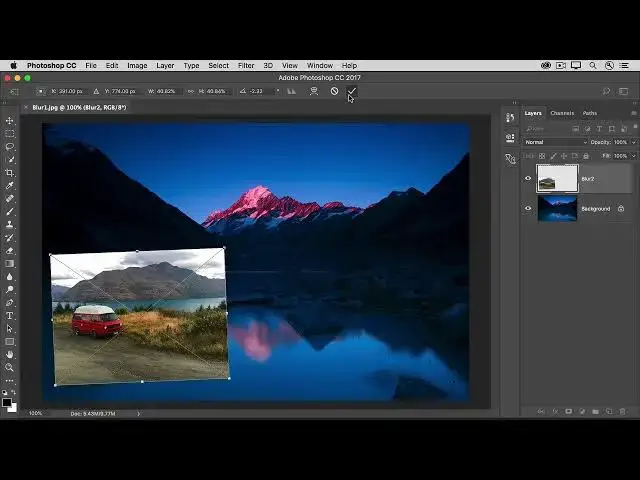

How to apply a blur filter as an editable Smart Filter in photoshop 2022
Jul 17, 2022

In this video we will learn how to apply a blur filter as an editable Smart Filter in photoshop 2022 - www.easy-tutorials.com
What you learned: To use a Smart Filter to blur a background.
Select a layer that contains content you want to blur, like a background.
Choose Filter/Convert for Smart Filters. Click OK. This converts the selected layer into a
layer that will support re-editable filters.
With the same layer selected, choose Filter / Blur / Gaussian Blur.
In the Gaussian Blur dialog box, adjust the Radius control until you’re happy with the amount of blur in the live preview. Click OK to apply the Gaussian Blur filter.
Note the Smart Filter that’s attached to your image layer in the Layers panel. This allows you to flexibly edit the filter settings. To do that, double-click the Gaussian Blur Smart Filter in the Layers panel, make a change in the Gaussian Blur dialog box that reopens, and click OK.
Save the image in Photoshop (PSD) format to retain the Smart Filter layer.
Show More Show Less