menu
All
Channel
search
Log in
Join Open.Video
Log out
Up next in
10
CANCEL
PLAY NOW
Please enable JavaScript
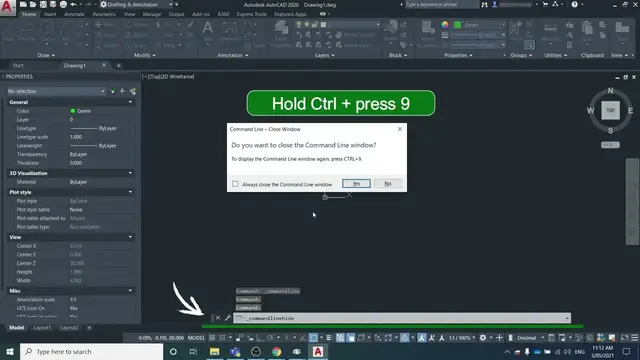
How to restore a missing command bar in AutoCAD
Apr 17, 2022
Share
0
0
Share
0
0
surveyorinsider.com
Subscribe
If your command bar is missing, this video will explain how to get it back in 2 steps. 0:00 Intro 0:15 Method 1: Ctrl + 9 0:38 Method 2: Check the custom user interface (CUI) pannel
Show More
Show Less
#People & Society
×
2026-07-07 17:18:22