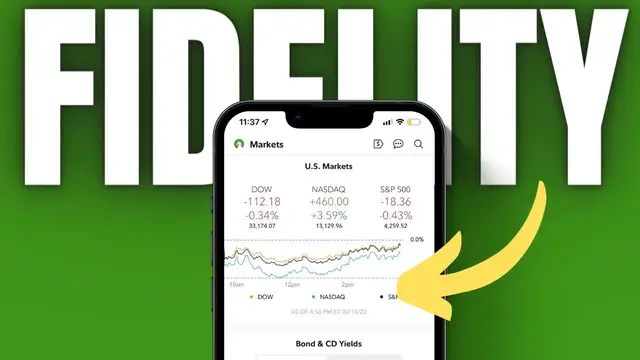

Fidelity Mobile App Tutorial for Beginners 2022
Dec 17, 2022


In today’s video we’ll be doing a full tutorial of the Fidelity Mobile App. We'll cover everything you’ll need to know to get started trading on the app. Everything from how to place a trade, customize charts and view balances.
Timestamps
0:00 Intro
0:25 General Navigation
0:52 Accounts Tab
2:12 Markets Tab
3:10 How to Create a Watchlist
6:04 Stock Profile Page
6:47 Customizing Charts
7:51 Adding Studies / Indicators
9:48 How to Buy and Sell Stock
14:28 How to Short Stock
15:54 How to Close Open Positions
17:48 Edit Working Orders
18:45 Cancel Working Orders
19:08 Option Chain Explained
22:39 How to Buy and Sell Options
26:20 How to Create Option Spreads
32:44 Transfer Funds
33:23 Customize Toolbar
➤ Open a tastyworks account: https://start.tastyworks.com/#/login?referralCode=PKSKCFVD2J
➤ Start Investing with M1 Finance: https://m1finance.8bxp97.net/151KXm
Disclaimer: Some of these links go to one of my websites and some are affiliate links where I'll earn a small commission if you make a purchase at no additional cost to you.
Show More Show Less #Accounting & Auditing
#Financial Planning & Management
#Investing
#Mobile Apps & Add-Ons
#Jobs & Education