0:00
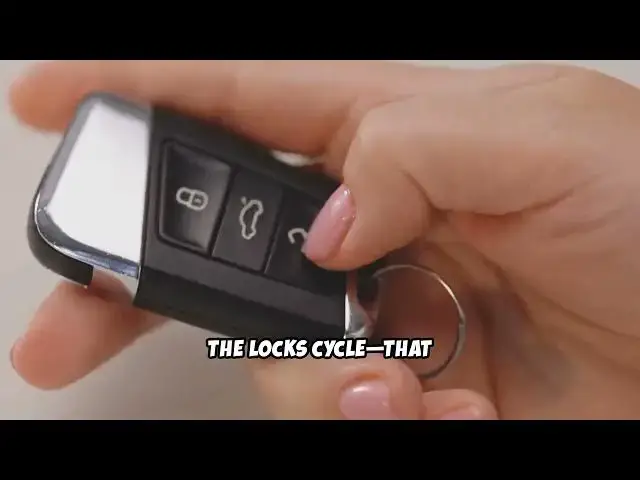
If your Ford Explorer key fob isn't
0:02
working, don't worry. Let's go through
0:03
some simple steps to fix it. First,
0:06
check the battery. Most issues come from
0:08
a dead battery inside the fob. Flip your
0:11
key fob over. Look for a small notch and
0:13
use a coin to gently pry it open. Once
0:16
inside, take note of the battery type,
0:21
Replace it with a fresh one, making sure
0:22
the plus side faces up. Snap the fob
0:25
back together. Still not working? Try
0:27
getting closer to your vehicle.
0:29
Sometimes interference or weak signal
0:31
can cause issues, especially in crowded
0:33
parking lots. If it's still dead, try
0:36
reprogramming the fob. Get inside your
0:38
Explorer, close all the doors, and put
0:41
the key in the ignition. Turn the key
0:43
from off to run eight times within 10
0:45
seconds, ending on run. You should hear
0:48
the lock cycle. That means you're in
0:50
programming mode. Press any button on
0:52
your fob. The lock should cycle again,
0:54
confirming the reset. If none of these
0:57
steps work, your fob may be damaged, or
0:59
the issue could be with the car's
1:01
receiver. In that case, it's best to
1:03
visit a Ford dealership or a trusted
1:05
auto locksmith for professional help.
1:07
So, before you panic or call for
1:09
expensive help, try these easy steps
1:11
first. You might just save yourself some
1:13
time and money. Thanks for watching.