0:00
This video I'm going to show you how you
0:02
This video I'm going to show you how you
0:02
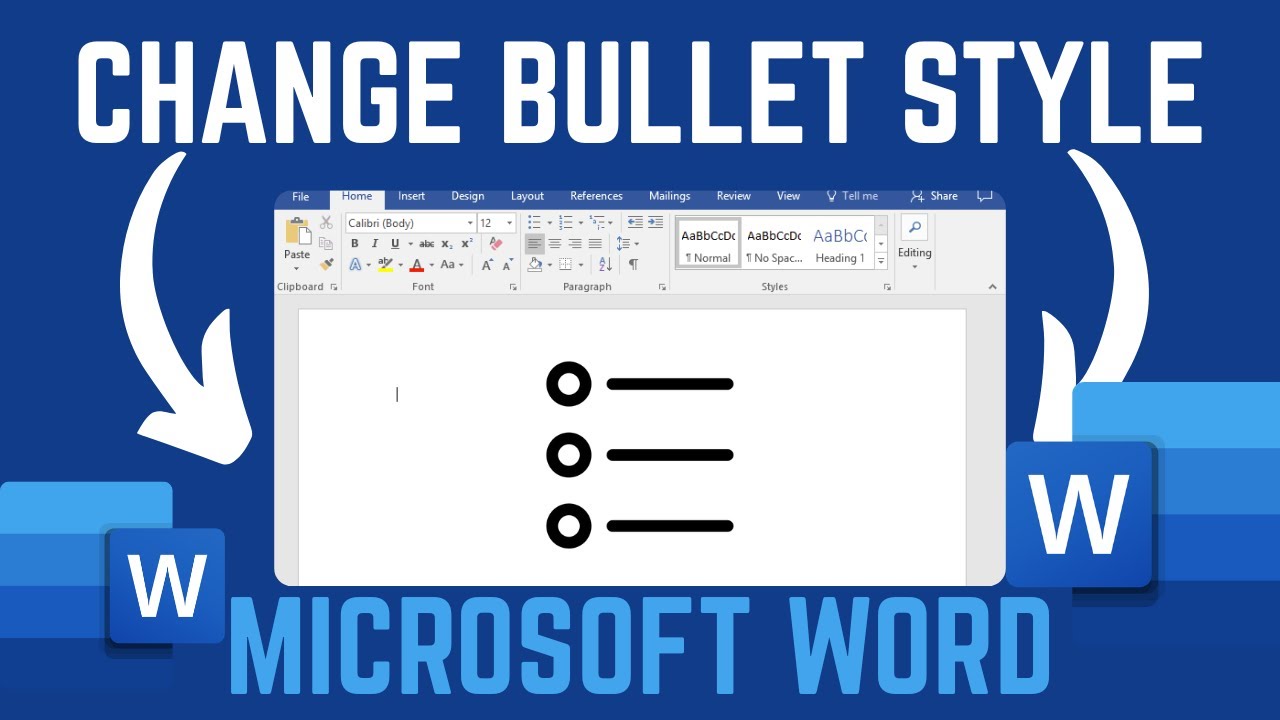
This video I'm going to show you how you can change bullet style in word
0:05
can change bullet style in word
0:05
can change bullet style in word document. If you find this video
0:07
document. If you find this video
0:07
document. If you find this video helpful, please like and subscribe to
0:09
helpful, please like and subscribe to
0:09
helpful, please like and subscribe to this channel. Now, as you can see here,
0:11
this channel. Now, as you can see here,
0:11
this channel. Now, as you can see here, I have this bullet character on this
0:14
I have this bullet character on this
0:14
I have this bullet character on this list. However, I wish to change this
0:16
list. However, I wish to change this
0:16
list. However, I wish to change this style from the current one to a
0:18
style from the current one to a
0:18
style from the current one to a different one. To do this is quite
0:20
different one. To do this is quite
0:20
different one. To do this is quite simple. Just go ahead and click on the
0:22
simple. Just go ahead and click on the
0:22
simple. Just go ahead and click on the bullet style here. And by just clicking
0:24
bullet style here. And by just clicking
0:24
bullet style here. And by just clicking on it, you should see a number of bullet
0:27
on it, you should see a number of bullet
0:27
on it, you should see a number of bullet styles that we can change to. Now go
0:30
styles that we can change to. Now go
0:30
styles that we can change to. Now go ahead and choose your preferred bullet
0:32
ahead and choose your preferred bullet
0:32
ahead and choose your preferred bullet style. For instance, if I wish to change
0:34
style. For instance, if I wish to change
0:34
style. For instance, if I wish to change to this, go ahead and click on it. And
0:37
to this, go ahead and click on it. And
0:37
to this, go ahead and click on it. And instantly you can see the bullet
0:39
instantly you can see the bullet
0:39
instantly you can see the bullet character style will change
0:40
character style will change
0:40
character style will change automatically for all the bulletins or
0:43
automatically for all the bulletins or
0:43
automatically for all the bulletins or for all the lines that you had on your
0:45
for all the lines that you had on your
0:45
for all the lines that you had on your word document. So that's how you can
0:48
word document. So that's how you can
0:48
word document. So that's how you can change the bullet character style in
0:50
change the bullet character style in
0:50
change the bullet character style in word document. If you have any other
0:52
word document. If you have any other
0:52
word document. If you have any other question, kindly let me know in the
0:53
question, kindly let me know in the
0:53
question, kindly let me know in the comment section. Otherwise, thanks for
0:55
comment section. Otherwise, thanks for
0:55
comment section. Otherwise, thanks for watching and let's meet in the next