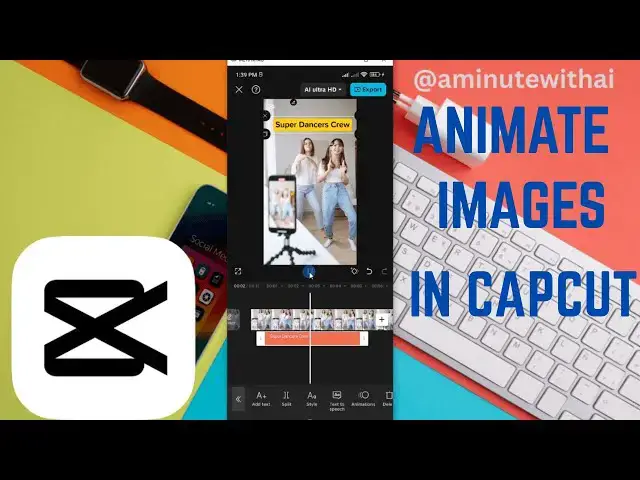

How To Animate Images In CapCut Using Smartphone
May 7, 2025
Want to bring your still photos to life? In this beginner-friendly CapCut tutorial, I’ll show you how to animate images using your smartphone — perfect for adding motion, style, and creativity to your video edits!
In this video, you’ll learn:
✅ How to import images into CapCut
✅ How to use keyframes and animation presets
✅ How to add zoom, pan, and rotate effects
✅ Tips for smooth, professional-looking motion
📱 Works on both Android and iPhone (iOS)
💡 Perfect for:
* Slideshows and photo montages
* Reels, TikToks, Shorts
* Vlogs & aesthetic edits
* Social media content
ALSO WATCH
-How To Add Your Own Music From Gallery On Videos In CapCut: https://youtu.be/JPz2XLvxTNc
-How To Align Background Music Track On Videos In CapCut: https://youtu.be/eSkocdl3WW4
-How To Reduce Background Noise On Voiceover Audio On Videos: https://youtu.be/H1Lo-AOaJxA
-How To Remove Voiceover On Videos In Capcut With Your Smartphone: https://youtu.be/b42HjE5CUEE
-How To Add Background On Text In Capcut: https://youtu.be/soJj-cd2hKA
-How To Add Drift Up Moving Animated Text On Videos In CapCut: https://youtu.be/xESFdMh-Q1A
-How To Add Shadow Effects On Text In CapCut: https://youtu.be/yZyOq7VY8DI
-How To Add Multi Color Text Effects On Videos In Capcut: https://youtu.be/zfYL68bXfZU
-How To Add Multi Color Text Effects On Videos In CapCut: https://youtu.be/zfYL68bXfZU
👍 Found this helpful? Like, comment, and subscribe for more CapCut tutorials and creative editing tips!
#CapCutTutorial #AnimatePhotos #ImageAnimation #CapCutEditing #capcutmobile
Show More Show Less