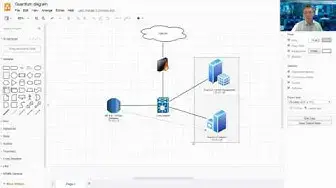

IBM Guardium Lab-2.1 Change GIM Client Configuration's Guardium IP
Nov 15, 2022

GIM client will point to your Guardium GIM server , either Central Manager/Aggregator or Collector. This video will show you how to change GIM client's Guardium ip. This is specially useful when you have multiple sites with multiple collector or aggregator / central manager.
Here are steps:
1. Stop GIM service from GIM client server
2. Go to the path C:\Program Files (x86)\Guardium\Guardium Installation Manager\GIM\Current\
3. Edit the file "conf"
4. search GIM_URL and change ip from x.x.x.29 (collector) to x.x.x.28 (central manager)
5. Save the configuration changes
6. Start GIM service
7. Verify from Guardium Central Manager
Relate post: https://blog.51sec.org/2020/01/ibm-guardium-troubleshooting-tips-and.html
====================================================================
If you found this video has some useful information, please give me a thumb up and
subscribe this channel to get more updates: https://www.youtube.com/c/Netsec?sub_confirmation=1
Learning and Sharing Cyber Security and IT Knowledge - 海内存知己,天涯若比邻 (http://51sec.org)
Show More Show Less