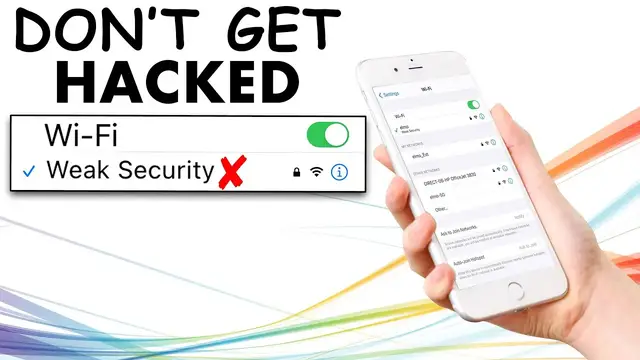

How To Fix Weak Security On Wifi & Why it's URGENT!
Feb 23, 2023
How To Fix Weak Security On Wifi & Why it's URGENT! If you are seeing "Weak Security" when connecting to WiFi you should be careful. If it is your home WiFi I'll show you how to fix it so other people can't steal your data. This started to happen on iOS 14 because Apple made everyone aware, it's basically because WPA is out of date and has been cracked, so you need to update to WPA2. In this video, I'll show you how to do this but also VPNs can also help keep you secure:
Best VPN Service: (Updated) https://www.helpfultutorials.net/purevpn-updated-review/
Full iPhone VPN Setup: https://www.youtube.com/watch?v=-wW24WvLRpA
Subscribe HERE! https://www.helpfultutorials.net/subscribe
Free iPhone Fix Graphic: https://www.helpfultutorials.net/free
Pure VPN: https://www.helpfultutorials.net/vpn
Full Pure VPN Review: https://www.helpfultutorials.net/purevpn-updated-review/
Facebook: https://www.Facebook.com/HFTutorials
Twitter: https://www.Twitter.com/HFTutorials
Business Inquires: [email protected]
Kevinsmak / Helpful Tutorials
P.O. Box 3341
Bethlehem, PA 18017
Affiliated Disclaimer: Some of the links may be affiliate links, generating a sales commission. For example, my YouTube Gear listed above is associated with the Amazon affiliate program, and I’m an amazon associate.
Show More Show Less #Computer Security
#Home Safety & Security
#Network Security