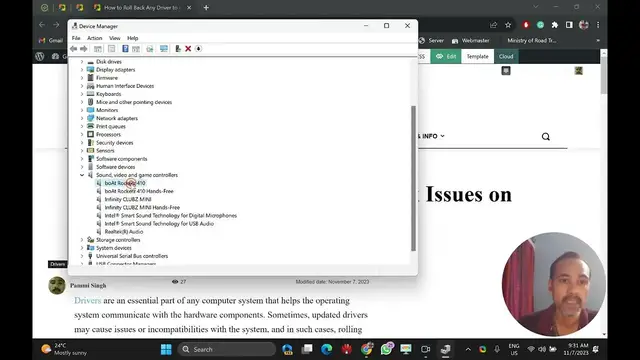

How to Roll Back Any Driver to Fix Issues on Windows 11 or 10 | GrowUpWindows
Nov 7, 2023
Title: "How to Roll Back Any Driver to Fix Issues on Windows 11 or 10 | GrowUpWindows"
Description:
Is your Windows 11 or 10 PC acting up because of a problematic driver update? Don't worry, we've got you covered! In this step-by-step tutorial, we'll show you how to roll back any driver to resolve those pesky issues and keep your system running smoothly.
🔧 Learn the following in this video:
- How to identify driver issues
- The importance of driver updates
- How to roll back drivers to a previous version
- Troubleshooting tips for common driver-related problems
Whether you're facing display, audio, or other driver-related issues, our comprehensive guide will help you tackle them like a pro. Join us on GrowUpWindows to take control of your system and ensure a seamless computing experience.
Don't forget to like, subscribe, and hit that notification bell to stay updated with the latest Windows tips and tricks! Your feedback and questions are always welcome in the comments section.
🔗 Helpful Link: https://gearupwindows.com/how-to-roll-back-any-driver-to-fix-issues-on-windows-11-or-10/
Thank you for choosing @GrowUpWindows as your go-to source for all things Windows-related. Happy troubleshooting! 🚀
#WindowsTips
Show More Show Less #Computer Hardware
#Software
#Device Drivers
#Operating Systems