live_tv
Livestream Starting Soon
00
Hours
:
00
Minutes
:
00
Seconds
Up next in 10


How to Transfer Money From Stripe to Bank Account (2024) Tutorial
Show More Show Less View Video Transcript
0:00
So you have successfully made a purchase and you have enabled your Stripe account
0:05
into your payment in order to receive money. So how could you send your money
0:10
right away from Striped into your bank account? So the first thing you need to
0:14
understand guys is that of course we need to have our Striped already enabled
0:18
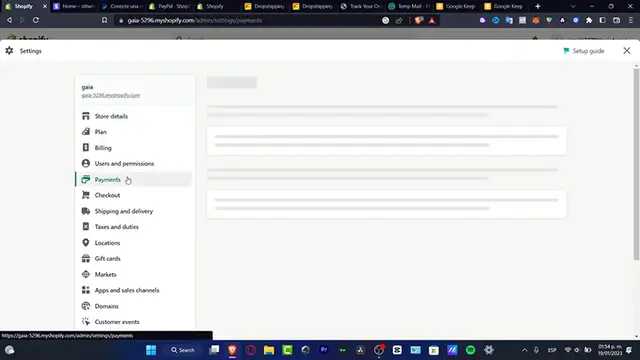
into the actual Shopify and you can go into the setup by Striped and hit into
0:23
manage and here's gonna be appearing our account and you want to enable all of
0:27
these options. Now with that being said once I'm gonna close this option when I
0:31
have created my first order here's gonna be appearing in here and of course the
0:36
payment options will be appearing into my mail should be appearing in here and
0:39
then it should be appearing into my Stripe account. So if you go into the
0:44
dashboard of Stripe.com and then you want to go into the payments option here
0:50
it's going to be appearing all your transactions would be looking like this it says the all transactions so here it's going to be appearing the actual
0:59
balance and then you can go into customers or into your product just in
1:04
case that you have created your first customer let's say for example this one
1:08
I'm gonna add this for example here billing information it's already been
1:13
added and here to add a customer it should be appearing here the name of my
1:16
customer and when this one actually make a payment. So if I go into my balances
1:22
here as you can see here's my MXN balance so this one if I want to send
1:30
this money what's gonna be happening here is that is exactly as PayPal we do
1:36
have the payouts scheduled to automatically send daily so I don't have
1:44
this enabled but if you want to let's say that each time that you received
1:48
money here into Stripe the next day you're gonna be send it right away into
1:52
the bank account that you have enabled here so when it says payout schedule you
1:56
want to say automatic every day so let's say for example that I received $20
2:02
today so by the end of the day these $20 automatically with the payout schedule
2:08
is gonna be sent it into my bank account it's not gonna be taking more than one
2:12
or two hours depending on where the country you're currently living so after
2:16
you choose the option hitting to save and then you're good to go so with that
2:20
being said guys we've reached into the very end of the video hopefully this was very useful for you just in case you have any question you can leave it down below in
2:26
the comment section and I will leave you guys so we'll see you next time
#Billing & Invoicing
#Banking
#Mobile Payments & Digital Wallets
#Money Transfer & Wire Services