Up next in 10


How To Reset Chart To Default In TradingView (2024)
Show More Show Less View Video Transcript
0:00
What is up everybody in this tutorial let's see how we can reset our actual charts from the
0:04
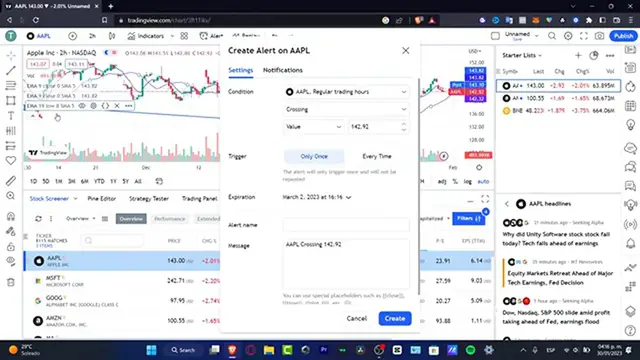
trading view so as you can see I have a few EMA so what I want to do is to reset this into default
0:11
so what I want to do is to key it into cancel and I want to focus into this main part so if you
0:18
zoom a little bit up let's say like this as you can see I have my actual chart so I can just hide
0:24
and unhide this if I want to do or what you can do is to use leaflets like that hit into this
0:30
settings mark and here I want to focus into the EMA input default reset settings and as you can
0:39
see this has been reset automatically and I'm going to hit into okay so I can do exactly same
0:45
thing with all my others charts hit into input default reset settings okay and the upper side
0:53
I'm going to do exactly the same thing settings inputs default and reset settings so with that
1:00
being said we're actually good to go if I actually go once again into the ink we can do exactly the
1:05
same thing but that's totally up to you so with that being said guys hopefully this was a very
1:09
useful video for you so don't forget to like and subscribe to this channel guys and I will see you
1:14
on the next video