0:00
Hi, if you wanna learn how to use counters with Elementor and WordPress, just follow me on this video
0:07
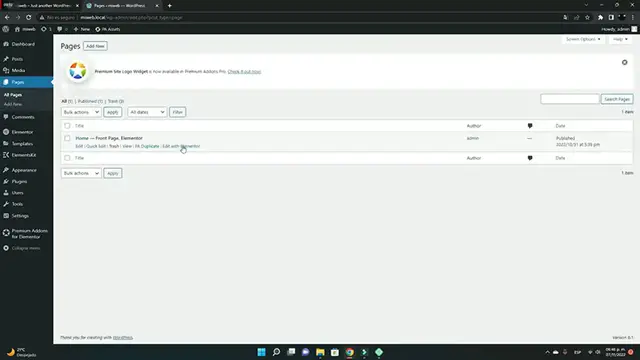
First you have to go to page and select edit with Elementor
0:16
Now in this page just go down to select a good place to add a counter
0:21
Then add a section and select counter in the left side You can modify the numbers in this section
0:47
If you wanna add more counters just add more columns and add counters
0:51
You can use copy paste to accelerate the process This is the easy way to add counters
1:10
You can modify more options in the style section like text color and typography
1:16
You can change the title here In my case I will use title
1:32
See you in the next video