Up next in 10


How To Pay Shopify Plan With Debit Card (Very Easy) Tutorial Step by Step
Show More Show Less View Video Transcript
0:00
Welcome everybody into this new video. So I'm going to show you real quick how you can pay, how to pay your Shopify plan using your credit card or your debit card
0:10
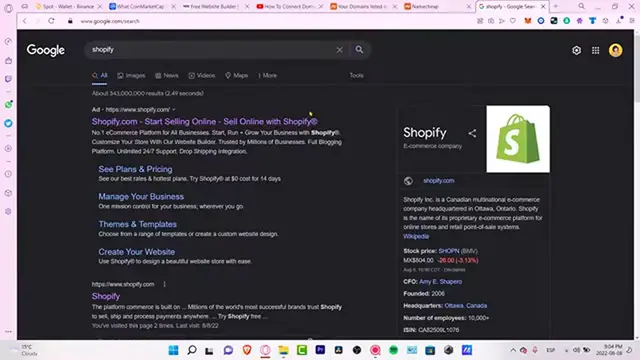
It's really really simple guys. The first thing you want to do is to go into Shopify.com and what you guys want to do is to log in
0:17
As you can see here, you have the get started section and if you don't see the login section, you want to go back into the Shopify section
0:25
I want to go into sign in. If you don't see it, you can always go into Shopify sign in and it's going to be redirecting you guys into the Shopify login in section
0:35
Now, once we are in here, I want to log into my account and I want to go into my administrator section
0:42
Now, as you can see, I want to choose my store, which is actually right in here. It's really simple to select that
0:49
And now what I want to do here, as you can see, here we have a lot of stuff I want to scroll down until I found this setting section
0:55
And what I want to do is to go into the billing section. Once I am in here, it's going to be asking you for a payment method and it's going to be showing you as a payment method for purchase and bills in Shopify
1:06
So let's get into add payment method. Now it says payment method type. I want to stick with credit card and now let's put and fill all our information right in here
1:15
So the card number, the expire, the CWV, account in the region and all our information so we can provide the option that says add credit card
1:23
Once you've done that, you're going to see that your subscription is going to be available now once that your payment method has been added successfully
1:31
Just in case you have a debit card and you don't see the payment method already added in here, what you can do is to select this option and go into PayPal
1:39
Once you add the PayPal information, you can go and connect your PayPal account. And what you guys want to do is to add your debit card inside PayPal.com
1:48
So once you are into your PayPal, you can go always into your wallet and you can select the option that says link a bank account or you can link a card
1:57
In our case, let's try to link a debit card so you can put in here all your information and you can always go into the link card
2:04
Once your card has been added into PayPal, you can always go into continue and the payment method should be added correctly and successfully
2:11
Now, just in case you have any questions, you can always go back. You can always go into your account and go into the Shopify help center just to contact the Shopify support
2:21
Just in case if the payment method was rejected or it couldn't proceed, guys, or it couldn't be successfully done
2:28
So there you have it guys, it was Sundar just in case you have any questions, you can leave it down below in the comment section
2:33
Don't forget to like and subscribe to this channel if you want to see more about this Shopify application
2:38
Thank you so much again for watching this video and I'll see you next time
#Business Services
#Retail Trade
#Credit Cards
#Shopping
#Consumer Resources
#Identity Theft Protection