0:03
hey everyone this is Mason fruit filter
0:06
grade when it comes to creating social
0:08
media graphics Android devices have a
0:10
massive amount of options today I'm
0:12
going to show you our top 5 Android apps
0:14
for adding stickers and text images so
0:17
you can make awesome Instagram stories
0:18
Facebook image posts and more if you're
0:21
an iPhone user instead be sure to check
0:22
out our video of the top 5 iPhone apps
0:24
for doing the same thing oh and all of
0:27
these apps are a hundred percent free
0:30
canva canva is a popular desktop and
0:33
mobile app for creating social media
0:35
images of all kinds it has a ton of
0:37
templates including text layouts and
0:39
graphics including animated graphics
0:41
pretty much no matter what kind of
0:43
graphic you want to create and what you
0:45
want to put on top of your photos canva
0:47
has a way to do it the app is free to
0:49
use but offers plenty of additional
0:50
assets under their premium plan phonto
0:54
phonto is a free app that edit score is
0:57
designed for adding text to images it
0:59
comes with over 200 built-in fonts but
1:01
you can import additional fonts that you
1:03
download on your phone from your browser
1:04
this is definitely the standout feature
1:06
of font oh the app has plenty of text
1:09
editing features such as size color
1:11
stroke and letter and line spacing line
1:14
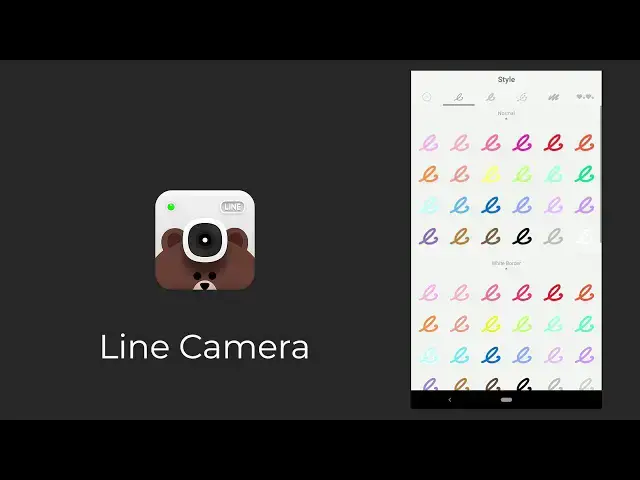
camera line camera is a free photo
1:17
editing app featuring over 20,000
1:19
stickers included popular characters and
1:21
stamps drawed by famous illustrators it
1:23
also features frames fonts filters and
1:26
the ability to add your own custom
1:27
stickers you can also draw on your
1:29
images with a variety of brushes so you
1:31
can really express your inner artist in
1:34
addition to being a photo editing app
1:35
it's also a camera app offering plenty
1:38
of features like a timer and flash font
1:43
as the name suggests font studio is an
1:45
app for adding and editing fonts to your
1:47
photos they have over 200 fonts built in
1:50
with the ability to edit text in a
1:52
variety of ways including position size
1:54
rotation color and transparency they
1:57
also offer some stickers and shapes to
1:59
customize photos even further
2:02
finally the apps you're already posting
2:04
to sometimes we can get so caught up in
2:06
third-party apps for making social media
2:08
graphics that we forget that the apps
2:10
for posting to have a ton of features as
2:12
well and when it comes to interactive
2:14
elements like polls and questions there
2:16
really is no other option than using the
2:18
tools that an app like Instagram
2:19
provides so if you're looking for some
2:22
of these interactive tools for social
2:23
media stories be sure to explore all of
2:25
the options in your apps like Instagram
2:27
snapchat and facebook Messenger these
2:31
apps are great for adding stickers and
2:32
text to your photos whether you're just
2:34
sending a snapchat to a friend or
2:36
uploading top to your Instagram content
2:37
let us know which app works best for you
2:40
and your needs down in the comments
2:43
if you enjoyed this video be sure to
2:45
LIKE and subscribe and leave a comment
2:47
down below and if you're looking for
2:49
professional Luntz lightroom desktop and
2:51
mobile of presets Premiere Pro templates
2:53
and more photo and video education visit
2:55
filter grade comm today