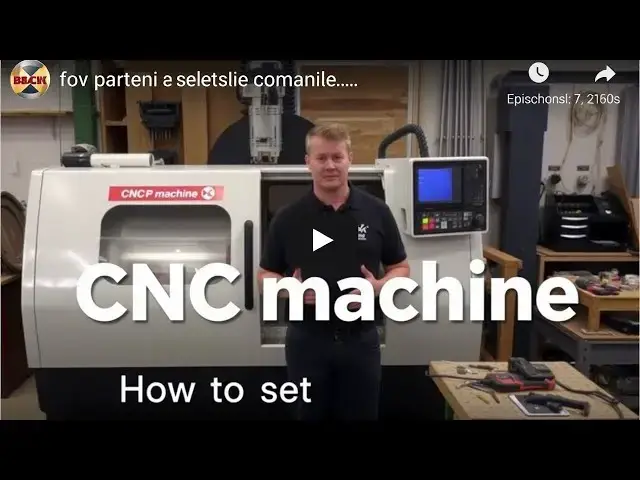
0:00
hey what's up everyone today I'm diving
0:02
into how you can set up your CNC machine
0:04
like a pro whether you're a seasoned
0:06
Tech hobbyist or just starting out this
0:08
guide will have you cutting through
0:10
materials like butter in no time first
0:12
things first let's talk about your
0:13
workspace make sure you've got a clean
0:16
well-lit area with enough space around
0:18
your machine to move freely you'll need
0:20
easy access to your tools and materials
0:22
so keep everything organized all right
0:24
now to the main event unboxing your CNC
0:26
machine carefully remove all components
0:29
from the packaging check the manual for
0:31
any specific instructions on what to
0:33
unbox First trust me you don't want to
0:35
skip this step next let's assemble the
0:38
machine frame follow the manual closely
0:40
each CNC model can have slight
0:42
variations typically you'll connect the
0:44
bass Gantry and any mounting brackets
0:47
make sure everything is tightened
0:48
properly but don't overtighten you want
0:51
stability not stress fractures once your
0:53
frame is assembled it's time to mount
0:55
the motors these are usually stepper or
0:57
Servo Motors and they control the move
0:59
mov of your CNC attach them to the
1:02
appropriate spots on the machine making
1:04
sure all screws and bolts are secure now
1:07
onto wiring this part can look
1:09
intimidating but take it one step at a
1:11
time connect the motor wires to the
1:13
control board following the colorcoded
1:15
diagram in the manual make sure all
1:18
connections are snug loose wires can
1:19
lead to erratic movements or even damage
1:22
your machine next up installing the
1:24
software most CNC machines come with
1:27
their own software but you might also
1:29
need to down download additional drivers
1:31
install the software on your computer
1:33
and connect your CNC machine via USB or
1:36
ethernet follow the prompts to complete
1:38
the setup once your software is
1:40
installed it's time to calibrate your
1:42
machine this means setting the zero
1:44
point for the XY and Z axis use the jog
1:48
controls in your software to move the
1:49
spindle to your desired zero point then
1:52
set it this will ensure that your cuts
1:54
are accurate now let's test it out load
1:57
a simple design into your software and
1:58
do a dry run without without any
2:00
material this will help you check for
2:02
any issues in movement or alignment if
2:04
everything looks good you're ready for
2:06
your first cut and there you have it
2:07
folks setting up a CNC machine might
2:10
seem daunting at first but with a bit of
2:12
patience and attention to detail you'll
2:14
have it running smoothly in no time make
2:16
sure to always follow safety precautions