0:00
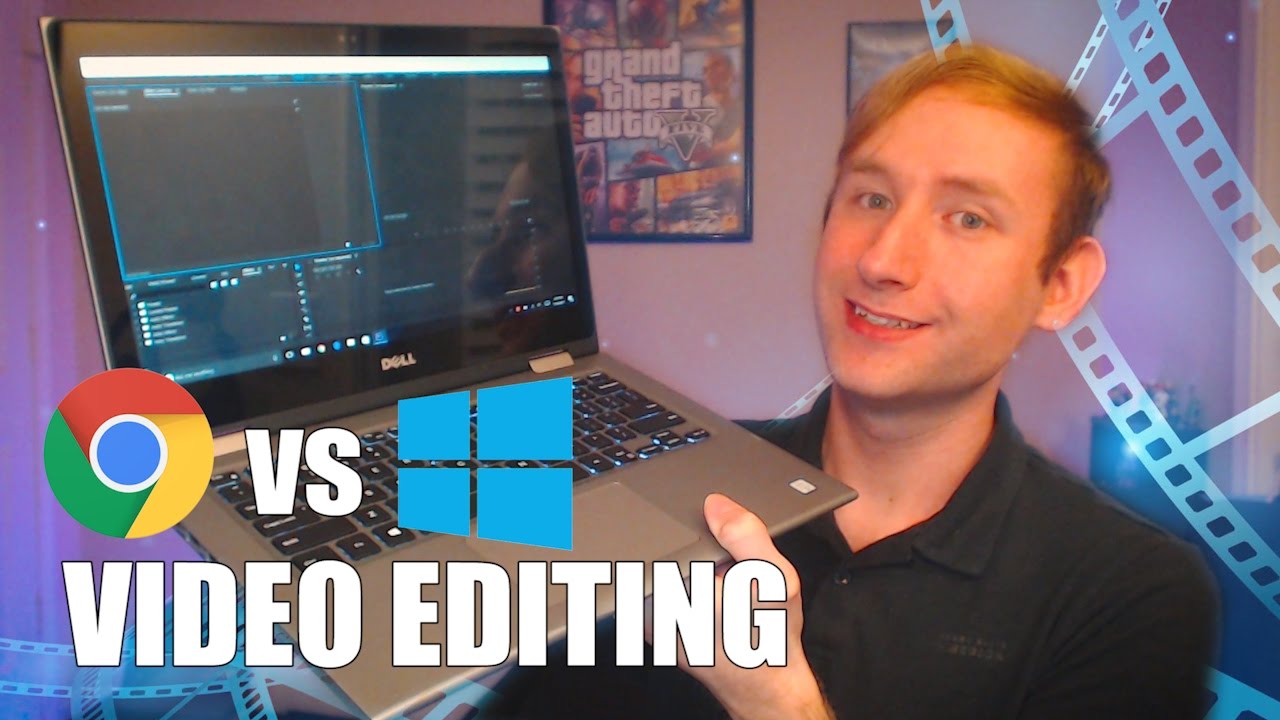
This video was edited on a budget 2-in-1 PC, so hopefully it goes well
0:07
Hey guys! So I haven't seen any videos on this topic, and I really wish they existed
0:12
I wanted to make a video talking about what your options are if you're a video editor
0:16
and you're looking for a budget laptop, whether it be a Windows laptop or a Chromebook
0:20
to edit your work on the go. So I recently sold my 2011 MacBook Pro, and I've been looking for a more affordable option to replace it
0:27
I've always been a huge fan of Google, I love the idea of a Chromebook, and when I learned they were adding Android apps, I figured that was probably the best device for me
0:35
A few weeks ago, I gave a Chromebook a try. I got the Acer R11, which goes for about $300 or a little less once on sale
0:42
I knew there were better Chromebooks shortly down the road, like the Asus Flip and the Samsung Chromebook Pro, but I wanted to give it a try on a budget device so I didn't blow all that money and decide that I didn't really want one
0:51
And I had done a little bit of research about editing programs that run on Android or Chrome
0:57
and there really aren't that many good options. I found one Cyberlink PowerDirector
1:03
I have it on my phone, and it worked okay. It still kind of felt like a mobile app
1:08
and that way it didn't feel like a full-fledged desktop client because it wasn't
1:12
And I think it works okay for your phone if you're just kind of filming a video with, like, very small edits in it
1:17
But when you're doing something where you're doing a vlog and you're having various cuts, It just didn't feel right
1:21
So I figured Android app wasn't the option, so I looked into web-based video editors
1:27
I know that sounds really weird. The YouTube editor was basically useless. You had to upload each video as its own YouTube video
1:32
and then pull it in, and it just was not fun to use at all or user-friendly
1:36
Then I discovered this other program called WeVideo which the interface looked really cool looked really clean so I imported a test clip of me talking And that when I realized WeVideo still wasn
1:47
that great of an option. It did not let you set, like, in and out points. So literally, if you wanted
1:51
to make a cut in the video, you had to pull that full clip into the timeline, make your cut, and
1:55
then kind of trim down both sides to get to where you wanted. I don't know if I'm willing to edit my
1:59
workflow that much just to be able to edit on a Chromebook. So I sat down and said, okay, what's my
2:05
next best option. That's where this baby comes in. This is a Dell Inspiron 13 5000. I know it's a
2:12
really crappy name. I just got it for 400 bucks and it comes with 4 gigabytes of RAM and 128 gigabyte
2:17
SSD. So I thought, okay, this might be a better option than the Chromebook because it can run
2:22
full Windows apps. Being able to run a full version of Premiere, even on a small screen like this
2:27
makes a world of difference than trying to make a phone app work as your main editing app. And
2:33
And honestly, I am so glad I returned my Chromebook and got this
2:38
Maybe down the line there will be better video editing apps for Chrome and for Android
2:42
If you know of one, please let me know, I'd love to get it on my phone, give it a try
2:46
Maybe it completely defeats the point of this whole video. But I just want to make this video because I had done a lot of research and I hadn't
2:51
seen many videos of people talking about the issue. So hopefully this helped you guys out, I wanted to open this up for discussion because
2:57
I know I had a lot of questions and I'm sure there are people out there that have questions So feel free to leave me any questions you have about this or Chromebooks or Windows laptops in general
3:05
So if you like this video leave me a thumbs up I live for your thumbs and let me know if you guys want more tech videos like this
3:10
I know you guys seem to like them, but if not, that's cool, too. Alright, bye