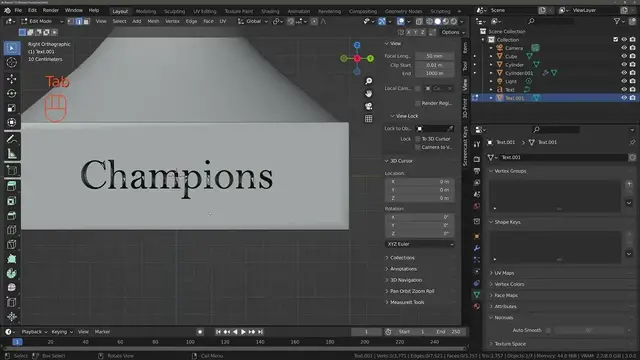

Engraving Your Text Onto Objects In Blender 3
Oct 17, 2022
https://bit.ly/3N0iFrT Copy And Paste The Link Below To Sign Up For Our Free Geometry Nodes Starter Kit Including Our Free Course, Blender Cheatsheet And Procedural Building Pack.
Use The Link Below And Get 1 Month Free On 1'000s Of Courses On Skillshare Ranging From 3D Modelling To Baking Cookies
https://www.skillshare.com/r/profile/Joe-Baily/8586007?gr_tch_ref=on&gr_trp=on The use of text objects in 3D modeling can have different implications for the appearance of a scene. But in many cases, you are more likely to see a form of text engraved into other objects rather than the text acting as an object in itself.
To engrave text into an object, create your text and then convert it into a mesh object. Then extrude out the text to make it 3D and place it on the object surface. For the main object use the boolean modifier and set to difference to engrave the text into the object.
Engraving text can be done when you want to create objects that actually have engraved words on the surface, such as the plaque on a sports trophy. There are of course a few things that we can do to make the process less disruptive to our model.
For the full article on this topic check it out at blenderbasecamp.com
To learn about geometry nodes using our own super learner system, check out our own course using the link below.
https://blenderbootcamp.teachable.com/p/the-geometry-nodes-boot-camp To learn about geometry nodes using our own super learner system, check out our own course using the link below.
https://blenderbootcamp.teachable.com/p/the-geometry-nodes-boot-camp
Show More Show Less #Visual Art & Design
#Software
#Operating Systems