0:00
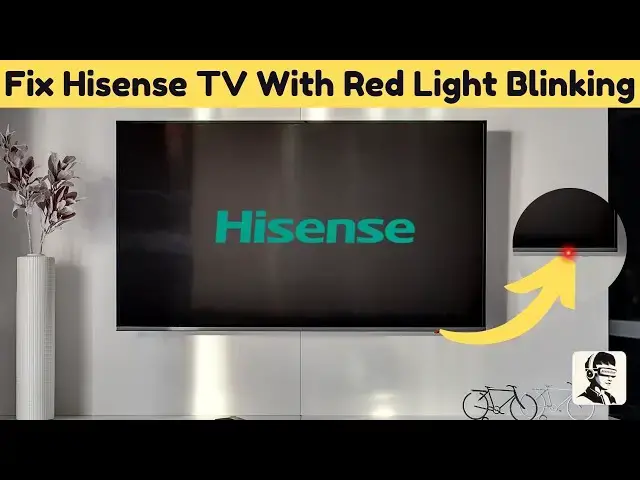
is your heisen TV stuck with that
0:02
annoying blinking red light uh I know
0:04
how frustrating that can be 1 minute
0:06
you're ready to binge watch and the next
0:08
your TV just gives you Morse code but
0:11
don't worry I've got some easy fixes
0:14
that might just bring your screen back
0:15
to life let's jump in and troubleshoot
0:17
this together first let's start with the
0:19
basics check if your TV is properly
0:21
plugged into a power outlet take a
0:24
moment to inspect the power cord for any
0:25
signs of damage or wear that could be
0:27
causing the problem if everything looks
0:29
fine but the issue persists try plugging
0:32
your TV into a different Outlet to rule
0:34
out any power supply problems you'd be
0:36
surprised how often this simple step
0:38
does the trick if that didn't work don't
0:40
worry sometimes all your TV needs is a
0:42
simple reset let's try a power cycle
0:44
reset which is one of the easiest and
0:46
most effective ways to resolve minor
0:49
glitches turn off your hens TV and
0:51
unplug it from the electrical outlet
0:54
then press and hold the power button on
0:55
the TV itself for about 15 seconds this
0:58
helps discharge any resist residual
1:00
power after that leave the TV unplugged
1:02
for a full 2 minutes to allow the system
1:05
to reset completely once the waiting
1:07
period is over plug the TV back in and
1:09
turn it on to check if the red light has
1:11
stopped blinking a quick reset like this
1:13
can clear up minor software bugs and
1:15
restore normal function let's perform a
1:17
flashlight test to check if there's a
1:19
backlight issue with the TV turned on
1:21
and the red light still blinking grab a
1:23
flashlight and shine it directly onto
1:25
the screen hold it close and move it
1:28
around different areas while looking for
1:29
face paint images or Graphics if you can
1:31
see any visuals that means your TV
1:33
screen is still functional but the
1:35
backlight is not this is a key clue that
1:38
can help determine whether the issue is
1:40
repairable or if professional service is
1:42
needed next let's check the HDMI and
1:44
other connections on your TV start by
1:46
unplugging all HDMI cables then inspect
1:49
each one for damage like frayed wires or
1:51
bent pins if everything looks good plug
1:53
them back in securely and test each HDMI
1:56
port one by one loose or faulty
1:58
connections can some times interfere
2:00
with the signal causing the blinking red
2:02
light issue securing these connections
2:04
could be the fix you need before we wrap
2:06
up let's make sure your remote control
2:08
isn't the culprit remove the batteries
2:10
and press each button a few times to
2:12
release any that might be stuck then
2:14
replace the batteries and try using the
2:16
remote to turn on the TV again sometimes
2:19
a simple remote malfunction can cause
2:21
unexpected issues with the TV and that's
2:23
a wrap hopefully these steps help you
2:25
kick that blinking red light to the curb
2:27
and get your high sense TV back in
2:29
Action if this fix worked for you hit
2:31
that like button it helps others find
2:33
the solution too and if you're all about
2:35
Easy Tech fixes don't forget to
2:37
subscribe so you never miss a
2:38
troubleshooting guide got any extra tips
2:40
or still stuck drop a comment below I'd
2:42
love to hear what worked for you or help
2:44
if you need it thanks for watching and
2:45
I'll catch you in the next one