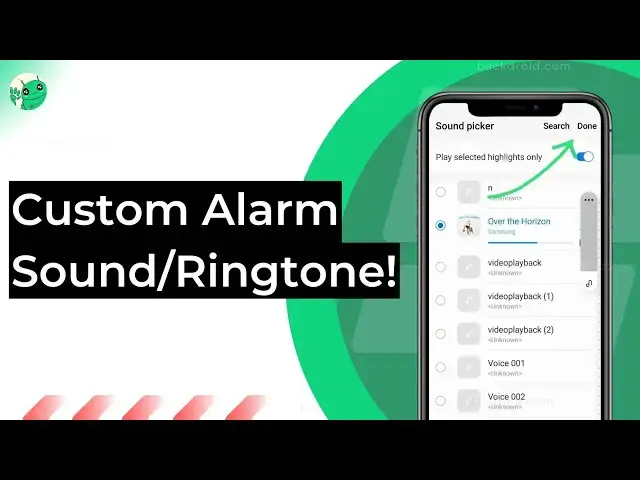
0:00
hello everyone what's up in this video
0:02
I'm going to teach you how to change the
0:03
alarm sound on Android easily with one
0:07
to two simple steps let's get started in
0:10
order to change the alarm sound first of
0:12
all open the clock app or the app which
0:14
in which you just set it up your alarm
0:16
so as you can see there are here are
0:19
three alarms so let's change the sound
0:23
so tap on the alarm and then you have to
0:27
here you would find the ringtone thing
0:29
when you tap on it you would able to
0:31
change the ringtone so there are two
0:34
things mainly you have to know this
0:35
firstly you can select a custom ringtone
0:38
from the downloaded files or from the
0:40
audio files that I stored on your
0:42
Android secondly there are some
0:44
predefined ringtones that you can easily
0:46
select just tap on it in order to hear
0:49
it when you tap on some others it will
0:51
show you those things so if you wanted
0:54
to set any of them like the default
0:56
sounds so get back here and as you can
0:59
see it shows ringtone night and when you
1:01
tap on the save button it would just
1:03
save the default ringtone as your new
1:07
alarm ringtone okay but what if you have
1:09
to set a custom ringtone simply tap on
1:12
the ringtones here select from files and
1:14
here are all the audio files that can be
1:17
used as the alarm sound on your Android
1:19
so simply select one of it and you would
1:22
able to just save it let me show you how
1:25
so as you can see I am just setting the
1:28
Alan Walker Faded instrumental music as
1:31
my alarm ringtone so I have selected it
1:33
get back into the menu as you can see I
1:36
have selected the file get back into the
1:38
alarms uh setting and here you have to
1:41
press the save option so when you tap it
1:44
now the new alarm ringtone would be the
1:48
new seted one which is the Allen workers
1:51
Faded instrumental things
1:53
that's it for the video tutorial you can
1:55
read our article here I am linking it
1:58
below before you go anywhere just repeat
2:00
hit the like button it's completely free
2:03
it's like it would help other people to
2:05
find out this useful video and don't
2:09
have a nice day sir all madam