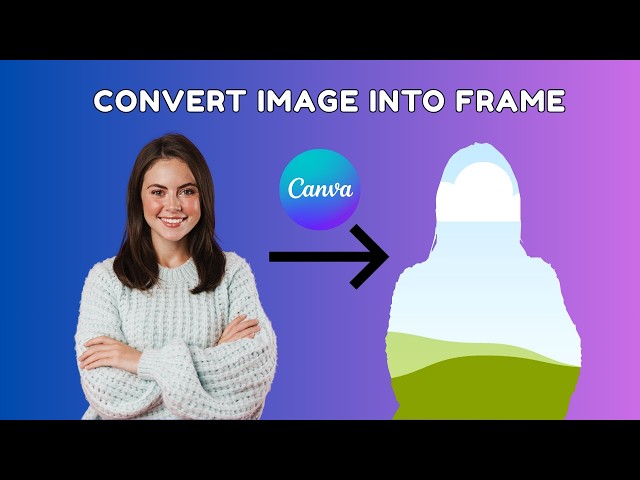

Convert Any Image into Frame in Canva - Frame Maker Canva App
Mar 10, 2026

Convert Any Image into Frame in Canva - Frame Maker Canva App
Learn how to convert any image into a frame using the Canva Frame Maker App! In this step-by-step tutorial, I’ll show you how to easily create stunning frames for your photos, social media posts, and designs. Perfect for beginners and Canva enthusiasts!
What you’ll learn in this video:
How to use the Frame Maker tool in Canva
Tips to customize frames for any image
Easy tricks to make your designs stand out
Don’t forget to like, comment, and subscribe for more Canva tutorials and design tips!
Hashtags:
#CanvaTutorial #FrameMaker #CanvaDesign #CanvaTips #GraphicDesign #PhotoEditing #CanvaTricks #DesignForBeginners #CreativeDesign #canvaapps
canva tutorial, canva design tips, how to use canva, learn canva, how to use canva for beginners, how to create in canva, canva tutorial, convert image into frame, how to create custom frame canva, canva hacks, how to make frames, tutorial canva, learn canva, canva template tutorial, canva tutorial for beginners, canva design tips 2026, how to use canva step by step, learn canva fast, how to use canva for beginners tips, convert image into frame in canva, how to create custom frame canva easily, canva hacks for beginners, how to make frames in canva, tutorial canva step by step, learn canva tutorial, canva template tutorial 2026, canva frame tutorial, canva tricks and tips, how to make custom frame in canva, canva design tutorial, canva beginner tutorial
Show More Show Less