0:00
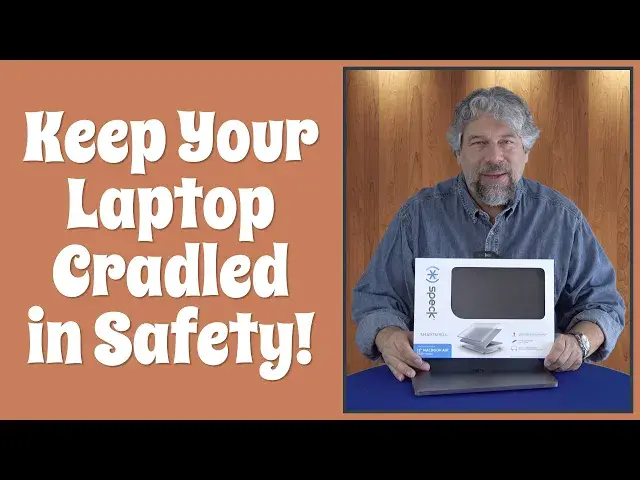
Protect your laptop with a smart shell
0:02
Let's check it out. Dave Taylor here with my daughter's Apple MacBook Air
0:14
and you can see it's in pristine condition, but it's thin, and that makes it a little bit susceptible to environmental damage
0:23
Now, there's a lot of different ways you can try to protect a laptop, but one of my favorites are to use what are called hard shell
0:30
And there's no better hard shell than the spec smart shell. So this is the one for the 13-inch MacBook Air 2020 model
0:39
That's what this is. And it has a lot of cool features. What I wanted to do is I wanted to actually just put it on the Mac
0:45
and you'll see that it's easy to install. It's actually pretty darn hard to take off afterwards, which is good
0:52
That's what you want. I'm going to go ahead and let's just get rid of the box
0:56
We don't need the box. We just want the shell. And this is onyx black
1:01
It comes in clear. It comes in swell blue or crystal pink
1:06
Though you have to get lucky to actually score the color you want
1:10
with their inventory, because these are popular. I have found these available widely at places like Best Buy
1:17
So you don have to just go to their website to find it But let me tell you a little bit about it It hard It a tough plastic And it goes around the edges So this is going to take the impact not that expensive computer if something happens
1:32
And they have what they call secure clips. So let me just figure this out
1:36
It's facing forward. So easy way to do it is to line up the holes of the ports
1:43
And you ready? Just go around, push on it. That's it. The bottom's installed. That's all you have to do
1:51
Now, the top's even easier because the top doesn't have any ports to worry about
1:56
and it looks like it is orientation-free, so let's just clip it on
2:04
And let's see. I think we're good. Let's double check here. Hmm
2:17
It's not, you know what? It might not be orientation-free. Let's pop this off and spin it the other way
2:23
I have the spec logo at the top. We'll put the spec logo at the bottom
2:28
And let's see if it clips on any easier now. And I think we're getting somewhere here
2:38
And there we go. So installed. All right So a tiny bit more tricky than I expected But the trick is to have your spec logo on the bottom corner not the top corner And now you can see that this is protected all around the front the back all the sides
2:59
And the way it's designed is that there's cutouts. So you still have access to all your ports
3:05
And it's also designed so that it has the appropriate cutouts for ventilation too, like on the back here
3:11
so it doesn't just cover that up. That would not be good for your computer
3:15
It also features rubberized feet, so it's not slipping around. It just sits there, which is great
3:21
Full port access, ventilation. The colors are fade resistant. Comes with a one-year warranty
3:28
And like I said, it's in four different colors. Once it's on, this isn't going anywhere
3:32
This is really firmly on there. And if I had to demonstrate taking it off
3:37
once it was properly installed, it'd be a couple of minutes of me trying to get my finger
3:41
nail underneath, which is exactly what you want. You don't want to pull this out of your computer
3:46
bag or your backpack and have the smart shell sitting in the bag and your computer actually
3:53
just naked and ready to pick up all that environmental damage. That is not the point of this device
3:59
Okay, so all this left to talk about is the price of this thing. And before we get there
4:04
let me ask if you could subscribe to my channel Just a click or a tap on that subscribe button and cabooey we connected Yes thank you Okay this is the spec smart shell
4:17
This particular one is for the 13-inch MacBook Air 2020 model, and it's 4995
4:24
But when I looked on the spec website, there was a 30% discount dropping this down to 3496
4:30
which makes it really an absolute no-brainer, particularly for your children's computers or anyone that's susceptible to having things fall on their computer
4:39
or having their computer fall. You can check it out at speckproducts.com
4:45
This is a keeper. My daughter actually also really loves it, which works out really well
4:49
because I would insist it be on there anyway to keep it in good shape
4:53
because this is a big investment. So that's all I got. I think I'm going to go back to checking what she's doing
4:59
No, I'm just kidding. I'm not going to look on her computer. Yikes. but at least I know that the computer itself is safe and tough with the spec smart shell
5:08
Hope to catch you in my next video