Up next in 10



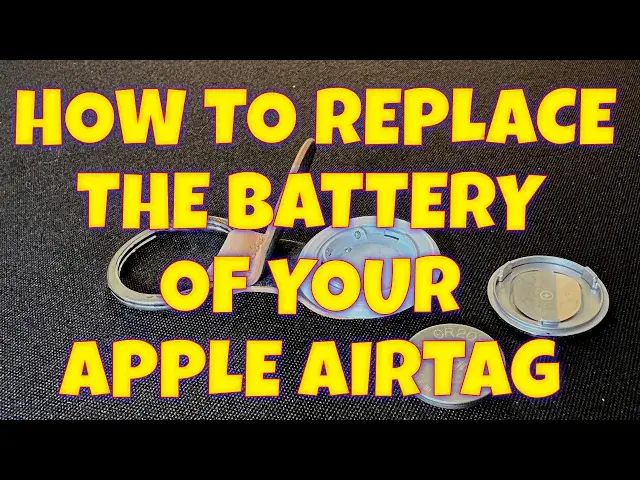
Have an Apple AirTag and you're starting to see "AirTag Battery is Low" notifications on your iPhone? No problem, turns out replacing the battery is remarkably easy. You'll need a CR2032 and you'll want to watch this detailed how-to instructional video from tech expert Dave Taylor too...
Check out Dave's Q&A Web site at: https://www.AskDaveTaylor.com/
#airtag #apple #cr2032 #airtags #askdavetaylor
Show More Show Less View Video Transcript
0:00
Apple AirTag complaining about battery level? Here's how to replace it
0:12
Dave Taylor here with my Apple AirTag. This is on a little Nomad Tag holder and works great
0:19
I have it on my computer bag and that helps me track where my computer bag is at any given time, which is really beneficial
0:27
But recently I've been getting these notifications on my phone and that's a problem
0:33
So I went in to find my and I looked and there's nothing that actually shows you the battery level
0:40
My guess is because Apple's really tried to minimize the communication, but it's telling me the battery is low
0:47
So this means it's something I need to deal with. So let me show you how to do it
0:52
It's pretty easy. Now you want the metal side up. This is on the tag holder, but one side is white and the other side is silver with the Apple logo
1:02
It's the side you want up and you're going to need a CR2032 battery
1:07
Now I looked in my fridge and I thought, well, that might be the right one, but nope, that's a 2450
1:14
And then I thought, ah, here, this is the package, right? Wrong. This is the 2025. That's also the wrong battery
1:22
I don't know why I have so many of these batteries, but then I looked in this container and I thought, ah, wait, what is that
1:28
That is the CR2032. So that's exactly the battery I need. And let's see if I can open it up and get the battery out. Might or might not be doable
1:41
I need a knife. Hang on a second. I grabbed the knife. This is probably a little bit of overkill for the job
1:47
but let's see if we can go ahead and open up this battery holder without actually taking off a finger in the process
1:55
That's probably sufficient. I will put my unboxing tool away. And they really, really don't want you to take these out in the store. That's the only thing I can conclude
2:09
Here's my CR2032 battery, and it has a sticker on it, but I'm going to leave that on for right now
2:16
just because it'll help me differentiate old battery, new battery. Now we need to open up the air tag, and that's actually pretty easily done
2:24
You push on both sides of the Apple logo and rotate it counterclockwise, and it doesn't take much effort
2:33
Once it's popped off, you can see the battery, and this is the original Panasonic battery that shipped with the unit
2:40
And now I'm going to take this sticker off of the new battery
2:45
And remember, when I pulled the old battery out, it had the battery information facing me
2:52
And then all you have to do is put this back in, and if you look closely, there are three little tabs on the metal portion
3:01
and you just line them up with the three gaps, and then when you push it down, and then I rotate it
3:11
and let's see, that should have given me a little audio feedback
3:21
So I'm not sure what's going on. Let's go into my phone and make sure that it is working
3:29
Let's see. Yeah, it's still reporting that it's found it. Not sure why I didn't get the audio feedback. It's supposed to just go, do-deep, or something like that
3:38
I've done it before, and it worked fine, but suffice to say, that's the whole task
3:43
It's done, it's ready to go back in my computer bag, and Apple estimates it lasts a year to a year and a half
3:50
so I shouldn't have to be doing this for rather a while for this particular air tag
3:55
That's all I got. I hope that was helpful, and I'll catch you, hopefully, in some of my other videos
#Computer Hardware
#Consumer Electronics