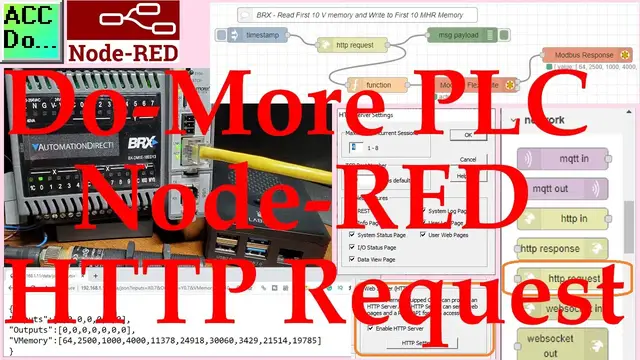

Do-More PLC Node-RED HTTP Request
Oct 12, 2022

Node-RED HTTP Request can be used to read any BRX Do-More PLC memory area. This HTTP (Hypertext Transfer Protocol) communication will only read information from our controller.
The BRX Do-More REST API is used to read information using a URL (Uniform Resource Locator) or web address. We will be using the HTTP request node in Node-RED to read information from our BRX Do-More REST API-enabled controller. Writing using Modbus will also be shown. This will all be done on our Raspberry Pi 4 single-board computer. Let’s get started.
More information can be obtained at our website. This includes all of the links mentioned in this video. https://accautomation.ca/do-more-plc-node-red-http-request/
In this series we started using Node-RED in some of the following ways:
The entire series can be viewed here:
https://accautomation.ca/series/node-red-iot-enabling-software/
Installing the Windows Software
https://accautomation.ca/node-red-installing-the-windows-software/
https://youtu.be/xGzH2Hv31WA
Modbus RTU / TCP Communication
https://accautomation.ca/node-red-modbus-rtu-tcp-communication/
https://youtu.be/yX1w5vcV6cc
User Interface - Dashboards
https://accautomation.ca/node-red-user-interface-dashboards/
https://youtu.be/8zAG2wXwGOc
SQL Database Log
https://accautomation.ca/node-red-sql-database-log-modbus-logging/
Show More Show Less #Programming