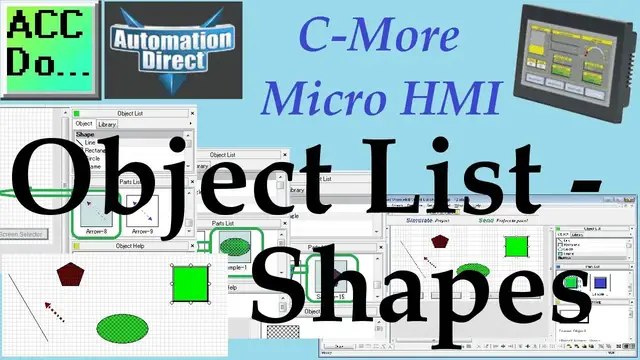

C-More Micro HMI Object List Shapes
Oct 14, 2022

We will now look at shapes like lines, rectangles, circles, and frames that we can use on our C-More Micro HMI. The C-More Micro HMI Panel software uses virtual components called Objects. These objects are programmable to simulate the functions that you require on your automation project. Pushbuttons, Switches, meters, and graphs are just a few of the objects that are available to you.
We can place several of these objects on the one-panel screen and have multiple panel screens. This helps you produce simple, intuitive looking human-machine interfaces. We will be looking at our program we have so far developed (Simulate Project) and add shapes to our blank page. The navigation of the objects and additional information will also be discussed. Let’s get started.
More information can be obtained on our website. This includes all of the links mentioned in this video.
http://accautomation.ca/c-more-micro-hmi-object-list-shapes
Previously we have discussed the following in our C-More Micro HMI Panel:
System Hardware
http://accautomation.ca/c-more-micro-hmi-system-hardware
Unboxing and Review Video
https://youtu.be/_uCcALMqYlM
Installing the Software
http://accautomation.ca/c-more-micro-hmi-installing-the-software
Installing the Software Video
https://youtu.be/BIGrOvxlDTI
- Update Automation Direct Software C More Micro Software Video
https://youtu.be/MNjTpirZs1s
System Setup Screens
http://accautomation.ca/c-more-micro-hmi-system-setup-screens
System Setup Screens Video
Show More Show Less #Programming
#Business & Productivity Software
#Virtual Reality Devices
#Computer Education