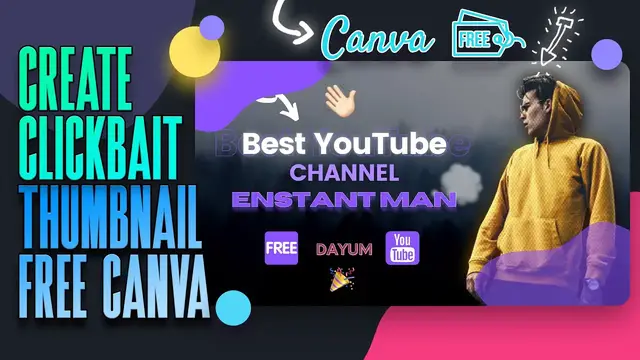

Easy Canva thumbnail tutorial - 2021
Sep 11, 2022
Designing a YouTube thumbnail in Canva is pretty simple. But in this Canva thumbnail tutorial, I have shown some basic tips to pro tips on, How to Make a Free YouTube Thumbnail in Canva. I have used only Canva Free Features in this video but there are 2 hidden Canva Pro elements that you can get for Free in your Canva free account.
I can tell you, once you are done with the full video your Thumbnail will look great and from other canva creators.
🦄 Great Design tools for Creators:- https://awsm.link/canva-free-trial - Canva Pro Free Trial (Recommended)
- Remove Background:- https://www.remove.bg/
- Blob Maker:- https://www.blobmaker.app/
Check out stream screens & stream packs at: http://own3d.gg/enstant (Use this CODE ➝ "EMSQ" to enjoy 50% Off on all products)
✅ 13+ Free Stream Soon Screens: https://enstantman.com/stream-starting-soon-screen/
🎓 Blog Post: https://.enstantman.com/
🎯 Resources I use daily:
➜ The tool I use to Manage, Grow this Channel: https://awsm.link/tubebuddy
➜ Where I find the Musics & SFX: https://awsm.link/yt-pro-music
➜ Ultimate Freebies Playlist: https://awsm.link/ultimate-freebies-playlist
➜ Best place to get premium templates: https://1.envato.market/n1Ajr7
➜ Best Patreon alternative to accepting Donations: https://www.buymeacoffee.com/?via=enstantman
➜ Get Custom Works: http://www.fiverr.com/s2/a29ee9837d
➜➜ My Favourite Design - Animation tool for beginners: https://awsm.link/canva-free-trial (Canva)
Show More Show Less #Online Media
#Fashion & Style
#Software
#Hobbies & Leisure