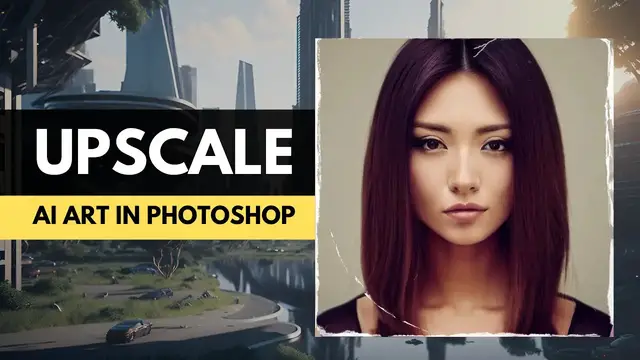

Upscale AI Image in Photoshop without Loosing Quality (Preserve Details 2.0)
Oct 7, 2023
Struggling to get the perfect image for your project, but all the options are just not up to the mark? No more worries as I'm here to show you an amazing trick to upscale AI images in Photoshop without compromising on quality. Learn how to use Preserve Details 2.0 in Photoshop and see how it can help you create stunning visuals with crisp details in no time!
Discover More From Me:
📰 Weekly Newsletter: https://bit.ly/3WLcHAY
🐺 Website: https://zilahut.com
😊 A Beginner’s Guide to Prompt Design: https://bit.ly/3LGJ5kb
🛠️ AI Tools You Should Know:
✅ New Way of Blogging
► Autoblogging - https://bit.ly/3XAncY1
✅ AI Writers
► Jasper - https://bit.ly/3FAjd4v
► Rytr - https://bit.ly/3iw2pBB
✅ AI Text-to-Speech
► Murf - https://bit.ly/3yFh1WH
► WellSaid - https://bit.ly/3CwNcdl
✅ AI Video Editing
► Pictory - https://bit.ly/3cezem8
✅ AI All-in-One Marketing Tools
► Systeme.io - https://bit.ly/3xJHfYV
► GetResponse - http://bit.ly/3XAzr5U
► Notion AI - https://bit.ly/3p6cXht
✅ Wirestock - Sell your AI art online on photo stock sites.
► Get a free account - https://bit.ly/3LyR4yA
CHAPTERS:
------------------
0:00 - Intro
1:28 - Using Preserve Details 2.0
#zilahut #ai #aiart #upscale #photoshop
Join the Zilahut community
========================
▶ Website: https://zilahut.com
▶ YouTube: https://www.youtube.com/@zilahut
PLAYLISTS 🎵
Most Popular Videos
https://youtube.com/playlist?list=PLcNIQz-a-NtYICMYH2ij8wQMXBMy772FP
(This content including advice provides generic information only. This is not financial advice. Please consult your financial advisor to associate the risks involved.)
►All rights belong to their respective owners.
✔ This video was given a special license directly from the artists.
Copyright Info ©
✔ Be aware all music and pictures belong to the original artists.
✔ This video was given a special license directly from the artists.
✖ We are in no position to give anyone permission to use this
➝ Please ask the artists and NOT us for permission !!!
Show More Show Less