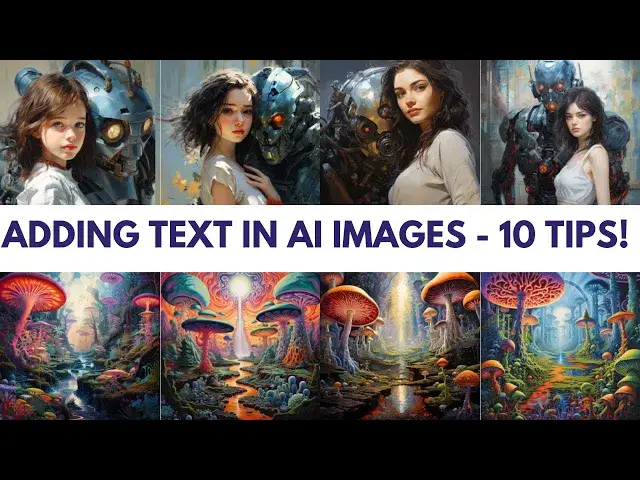

Mastering Text Integration: 10 Tips for adding text to AI-Generated Images
May 15, 2024

Welcome to Wisefuss! In today's video, we're diving into the world of adding text to AI-generated images. Elevate your visuals with these 10 expert tips:
1. Start Strong: Grab AI's attention by placing your text at the beginning of your prompt.
2. Visual Descriptions: Describe text appearance for AI to understand your design vision.
3. Repetition Works: Repeat your text throughout the prompt to prioritize its inclusion.
4. Synonyms and Verbs: Expand AI's understanding with synonyms and action words.
5. Contextualize: Describe the image background for accurate text placement.
6. Transform to Visual: Turn text into an image prompt using tools like Photoshop.
7. Experiment and Refine: Try different prompts to perfect text integration.
8. Keep it Simple: Shorter text strings are often more effective for AI.
9. Post-Processing Power: Use tools like Photoshop to fine-tune text after AI generates the image.
10. Correct and Enhance: Correct errors and replace incorrect text in your prompt.
Elevate Your Creations
With these tips, you'll seamlessly incorporate text into your AI-generated images. Like this video? Hit the thumbs up button and subscribe for more creative insights!
Stay tuned for more tutorials, inspiration, and innovative ways to enhance your artistic journey!
#artificialintelligence #aiart #ai #midjourney #midjourneyai
Chapters
00:00 - Introduction
00:30 - Tip # 1: Start Strong
00:50 - Tip # 2: Paint a Picture
01:10 - Tip # 3: Repeat and Reinforce
01:30 - Tip # 4: Synonyms and Verbs
01:50 - Tip # 5: Background Matters
02:10 - Tip # 6: Transform Text to Image
02:30 - Tip # 7: Embrace Variation
02:50 - Tip # 8: Keep it Concise
03:10 - Tip # 9: Post-Processing Power
03:30 - Tip # 10: Fix and Refine
03:50 - Conclusion
Show More Show Less