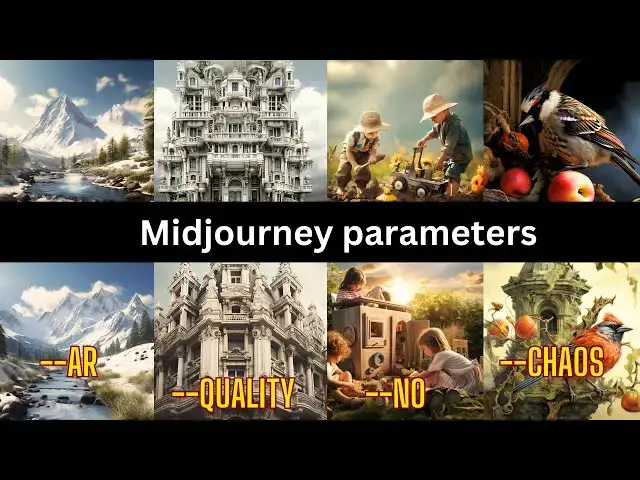

How to use aspect ratios, chaos , no and quality in Midjourney #aiart #midjourneyversion5
May 15, 2024

Today, we're diving into the fascinating realm of Midjourney's parameters: Aspect Ratios, Chaos, No, and Quality. Let's embark on this artistic journey together.
First, we explore 'Aspect Ratios.' The --aspect or --ar parameter defines your image's width-to-height ratio, a foundational element of your art. From squares to rectangles, each ratio tells a unique story.
Next, we venture into the 'Chaos' parameter—a gateway to unpredictability. With --chaos or --c, you control the chaos spectrum, from subtle variations to breathtaking surprises. Craft your creative vision with ease.
Now, let's dive into the 'No' parameter—an exceptional tool for fine-tuning your art. Use '--no' to curate your image like a maestro, specifying what should not appear in your creation. Craft your vision by adding '--no item1, item2, item3' to your prompt.
Lastly, we unveil the 'Quality' parameter—a key to shaping your creation's essence. From .25 to 1, choose your 'Quality' setting to match your artistic intent.
Thank you for joining us on this journey through Midjourney's parameters. Create your unique art at midjourney.com, powered by Midjourney v5 AI art technology, and share it with us. If you enjoyed this video, like, subscribe, and share our channel. Keep creating, stay inspired, and let the parameters of creativity guide your artistic exploration.
#midjourney #aiart #midjourneyai #midjourneyversion5 #midjourneyart #midjourneyv5 #midjourneyv4
Show More Show Less #Magic
#Visual Art & Design
#Architecture
#Design
#Photographic & Digital Arts
#Animated Films