Up next in 10


Get the full source code of application here:
Show More Show Less View Video Transcript
0:00
Uh hello guys, welcome to this video. So
0:02
in this video, I'll show you how to
0:03
generate the documentation for your
0:06
Python code directly inside your VS
0:08
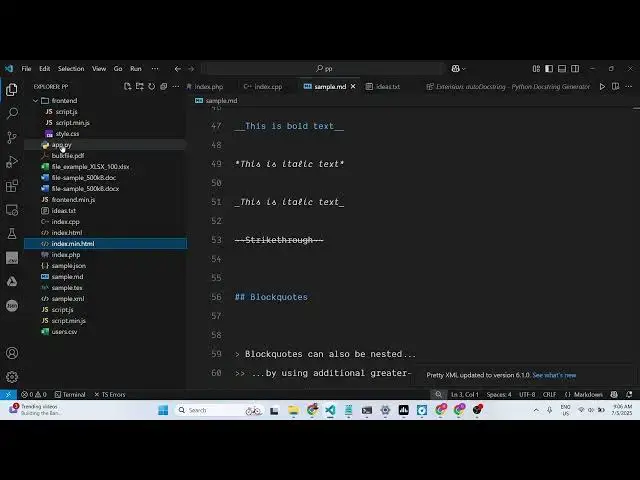
code. So there is an extension which
0:10
lets you do this automatically. So if
0:12
you go to the extensions tab and just
0:14
type here Python documentation.
0:18
So the extension which comes right here,
0:20
you will see it's called as auto doc
0:23
string and Python doc string generator.
0:26
It's used by almost 13 million
0:28
developers and basically it generates
0:30
that Python documentation automatically
0:32
as you write your code. So you just need
0:35
to activate this extension, click the
0:37
enable button and install and activate
0:40
this. So once you do this, simply go to
0:43
your Python file and uh
0:48
write a bunch of code here. Let me
0:49
create a Python file.
0:52
So it's already exist right here. Let me
0:54
find out where it is.
0:58
So this is a simple Python file. So if
1:01
you want to generate some documentation.
1:03
So let me remove all the comments from
1:05
here and show you how it is generated.
1:09
So let's suppose you have these four
1:11
functions inside your Python code which
1:13
is add, subtract, multiply and divide.
1:16
So this is your Python code. So if you
1:18
want to generate documentation for it,
1:20
you simply write here
1:24
double quote double quote double quote
1:26
three double quote and then
1:27
automatically this uh drop-down will
1:29
come generate doc string.
1:32
You can go to a function
1:35
and you will see automatically this
1:38
summary. You can replace the summary.
1:40
What this function does adds two numbers
1:43
and here it takes two numbers a ben put
1:47
a short little description as well. It
1:49
returns what type. So all this
1:50
documentation is generated for you. The
1:52
syntax three
1:56
uh this brackets double quotes and then
1:59
documentation generated. So you can do
2:01
this with any Python function. You will
2:03
see how easy it is to generate the
2:06
documentation. It's specifically built
2:08
for Python applications only. So you can
2:12
install this by going to the extensions
2:15
and auto doc string. So this is the
2:18
plug-in or extension. Simply activate
2:20
this and just go to the actual Python
2:24
file and start generating your
2:26
documentation for Python functions. And
2:29
also check out my website
2:31
freemediattools.com
2:33
uh which contains thousands of tools.
#Software
#Scripting Languages