0:00
uh hello guys welcome to this video so
0:02
in this video I will show you how to fix
0:04
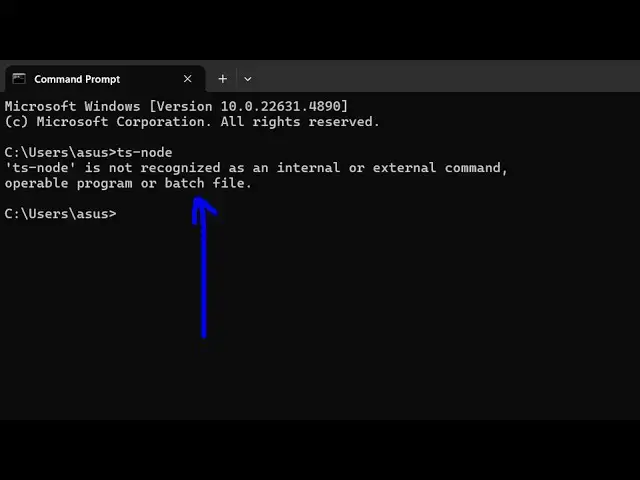
this error message when you write ts-
0:08
node is not recognized as an internal or
0:10
external command so if this error
0:13
message comes uh normally you haven't
0:15
installed es node inside your system
0:17
globally so I'm assuming that you have
0:20
the latest version of nodejs which is
0:22
22.13 one at the time of recording this
0:25
video and also npm comes with nodejs so
0:29
yeah have the latest version so now just
0:32
execute this command npm
0:34
i-g TS node so this is actually the
0:38
command you need to globally install TS
0:40
node inside your system so this is DH G
0:44
is for Global globally installing it so
0:48
once you enter this it will install this
0:51
packages globally so now it has added 17
0:54
packages so if you now type TS node so
0:58
now the command will be successful you
1:06
entered so you can check out the version
1:10
which is installed which is
1:12
10.9.2 so in this way you can fix this
1:15
error message by installing this
1:17
globally inside your system if for some
1:20
reason if it is not working then just
1:22
after installing it just restart your
1:25
terminal and then execute this command
1:28
should definitely work
1:31
so you can see that so thank you very
1:33
much for watching this video and also
1:35
check out my website which is free media
1:38
tools.com uh which contains thousands of
1:41
tools regarding audio video and image
1:44
and I will be seeing you in the next