Up next in 10


Buy the full source code of application here:
Watch My Visual Studio Code IDE Setup Video For Fonts,Themes & Extensions
https://youtu.be/Bon8Pm1gbX8
Hi Join the official discord server to resolve doubts here:
https://discord.gg/cRnjhk6nzW
Visit my Online Free Media Tool Website
https://freemediatools.com/
Buy Premium Scripts and Apps Here:
https://procodestore.com/
Show More Show Less View Video Transcript
0:00
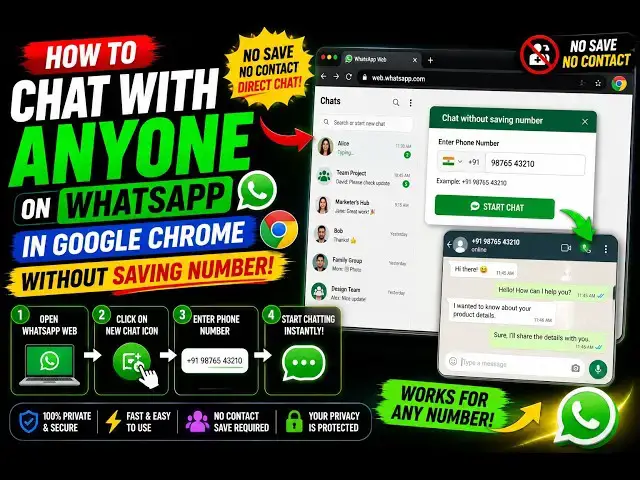
Uh, hello guys, in this video I'll show
0:01
you a very useful Google Chrome
0:04
extension for WhatsApp if you are using
0:06
WhatsApp in desktop and want to message
0:09
a contact without saving the number.
0:12
This extension helps you a lot in those
0:14
cases. So, many a times you do need to
0:16
message random people and for that you
0:19
don't need to save the number.
0:21
So, the this extension comes into the
0:23
picture, WA Direct Pro, uh, WhatsApp
0:26
chat without saving number.
0:28
And, it's a fairly new extension, only
0:31
19 people are using this, but I found
0:33
this extension to be very useful.
0:36
Uh,
0:38
click on continue, add this extension.
0:41
You will get that pop-up that this
0:43
extension is not safe, but simply
0:45
install this. It's just a new extension,
0:47
that's why you are getting this message.
0:50
Uh, simply activate this. Now, as you
0:52
see the icon is showing.
0:54
Uh, simply open WhatsApp Web.
0:57
Uh, if you click on this extension,
1:00
the icon, this is the interface which
1:02
will open directly.
1:04
So, right here you specify the phone
1:06
number. From here you select your
1:08
country code. Uh,
1:09
simply I selected India country code 91
1:13
and simply put the number
1:16
to which you want to message.
1:19
So, it should be 10-digit number.
1:25
So, it will show you whether it's a
1:27
valid number or not, it's on WhatsApp or
1:29
not. Type your message.
1:33
And, either you want to open it in web
1:35
or WhatsApp app in new tab. From here
1:39
you s-
1:40
click on
1:42
open chat. So, now as you see it
1:45
automatically opens your chat with that
1:47
number without saving it.
1:50
So, it saves you a lot of time.
1:56
So, now as you see starting chat
1:59
the number isn't on WhatsApp.
2:02
So, you do need to only
2:04
select that number which is on WhatsApp.
2:07
So, again write your number. So, just
2:09
make sure that the number is on
2:10
WhatsApp.
2:18
So, as I select
2:22
click on
2:29
So, by default it will open this.
2:33
Open the number, you will see that.
2:36
So, in this easy way guys, you can
2:38
actually
2:40
chat with a number, random number.
2:44
Basically, type your message and then
2:47
automatically open that chat.
2:50
So, we also have a bulk chat opener as
2:53
well.
2:54
Where you can actually type numbers line
2:56
by line
2:57
and type your message and
3:00
basically, delay seconds right here and
3:03
then open all chats. If you have a CSV
3:05
file where numbers are present line by
3:07
line
3:08
then
3:10
it will open chats, multiple windows and
3:13
you can directly chat uh send out
3:15
messages to those numbers.
3:18
It also shows you history as well. Which
3:20
numbers you have contacted. We also have
3:22
templates messages, templates, payment
3:26
reminder, follow-up, meeting request,
3:28
greeting
3:29
order confirmation. You can even create
3:31
your own template as well. Simply type
3:33
the message, template name, everything.
3:36
So, basically, uh
3:38
saves you a lot of time right here by
3:41
simply chatting with a number without
3:43
saving it.
3:47
You get
3:48
They have all these features.
3:49
Definitely, install this extension.
3:52
WA Direct Pro, WhatsApp chat without
3:55
saving number.
Jobs & Education