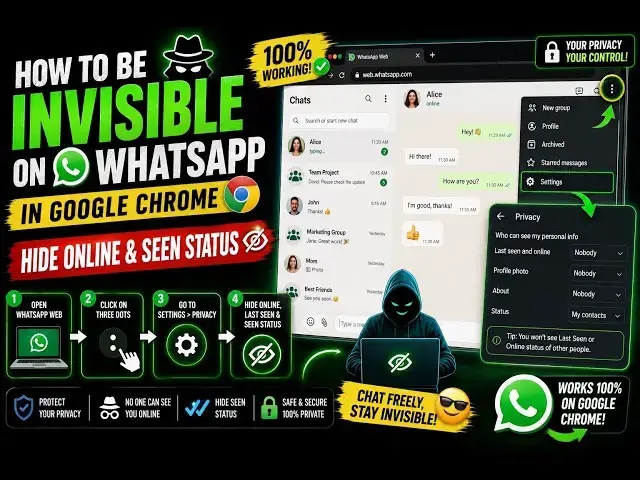
0:00
Hello guys, in this video I'll show you
0:02
a Google Chrome extension which lets you
0:06
be in incognito mode. Actually, you can
0:10
the feature of others seeing your last
0:13
online. So, people will not be able to
0:15
see whether you come on WhatsApp or not.
0:17
So, this is actually completely you will
0:19
be in invisible on WhatsApp by
0:22
installing this extension.
0:24
So, nobody can track you whether you
0:28
and read your messages. So, 100,000
0:31
users have installed it. The in
0:35
Simply, the name is WA Incognito.
0:39
you can hide your status, hide your
0:43
and last seen as well.
0:46
Click on add extension. So, once the
0:48
extension is added, you will actually
0:50
see this icon appearing.
0:56
toggle the toggle this
0:59
extension. The icon will appear like
1:03
And now you open your WhatsApp.
1:05
Go to web.whatsapp.com.
1:10
activate this, nobody can see
1:13
the time where you came online. So, by
1:15
default, it will disable all those
1:23
So, many a time we do want to do this
1:25
because of personal reasons. So, click
1:30
And it will open the WhatsApp web in a
1:38
automatically, by default,
1:42
you will be invisible incognito. All the
1:44
features will be enabled by default.
1:47
So, once you click on the extension,
1:50
it will open the WhatsApp web in a new
2:04
>> So, these are the options. Don't send
2:06
read confirmations. So, messages that
2:08
you read, confirmation will be blocked.
2:13
It will be marked in red instead of
2:14
green. So, whenever you read a message,
2:17
that confirmation is sent to the user
2:18
that you read the message. So, this
2:22
extension will disable that feature.
2:25
And don't send last seen and typing
2:27
updates. It will prevent other people
2:29
from seeing your last seen and other
2:31
typing as well, whether you typing the
2:36
So, all these three features will be
2:37
enabled. So, as you see,
2:41
this Incognito feature is added right
2:44
here in the sidebar section.
2:46
If you click on that,
2:48
you will see that don't send read
2:50
confirmations. You can even check this
2:52
option, hide online status.
2:56
As you see now, nobody can see you
2:58
whether you are online on WhatsApp or
3:01
And you can hide your typing status as
3:08
you can toggle all these three features.
3:11
Show device of messages.
3:15
Auto send repeats everything.
3:20
Allow status download. So, these are all
3:23
the options you can customize it.
3:28
you will be completely invisible.
3:31
So, now you can even check as well by
3:34
using a different mobile number and try
3:36
to see your last seen, you will not be
3:38
able to see it. And if you try to send a
3:41
message, then the green dot will not
3:46
So, I think it's a perfect extension,
3:48
WhatsApp Incognito. If you do want to
3:52
turn yourself into complete
3:54
invisibility, you can try this