0:00
All right, guys. In this video, I'll
0:01
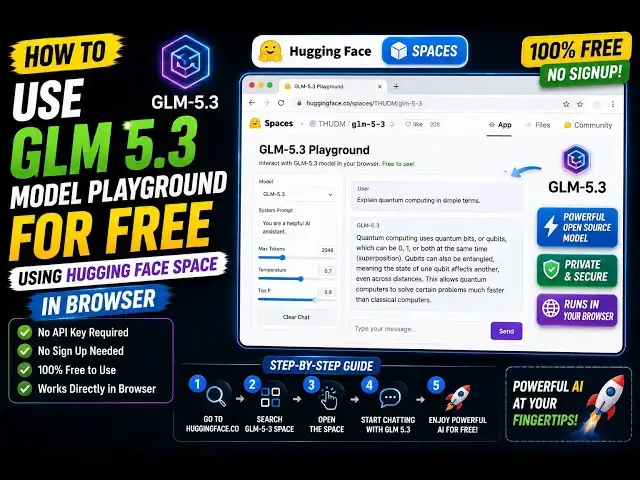
show you how to use this GLM 5.3 model
0:05
for completely free inside this Hugging
0:08
Face website. The Hugging Face, if you
0:10
don't know, guys, it's a free
0:12
open-source website which contains all
0:13
the models, whether they are newly
0:16
released. So, they come directly on this
0:19
website. They actually share the source
0:21
code for open-source models. You can
0:23
download the source code.
0:25
So, GLM 5.3, I've given the link where
0:28
you can find out in the description of
0:30
the video. Simply go to this link, and
0:32
there is something called as spaces.
0:35
Spaces are nothing but people creating
0:37
spaces of these models for completely
0:39
free. So, one such space is this one.
0:43
So, if you click on that, you will be
0:49
So, as you see that, you click on new
0:50
chat, you will be redirected to this
0:53
interface. So, by default, it's using
0:57
So, as you can see, GLM 5.3.
1:01
So, you can ask any kind of question to
1:03
it. Let's me say, "Hi." I
1:06
just send a message to it.
1:08
And now you will see it will respond to
1:13
So, as you see now, it is actually
1:16
processing what I said, and then it will
1:20
You can actually ask any kind of
1:24
So, basically, you just need a free
1:26
account in Hugging Face. So, simply log
1:37
Let me ask another question. You have
1:38
built a image to PDF web app with
2:02
>> So, basically I asked this question
2:04
here. It is actually responding to us.
2:17
So, now as you see the user wants to
2:19
build a image to PDF app.
2:22
So, you can just see the speed of it.
2:24
It's actually planning the steps
2:27
to create this application.
2:34
So, agent mode, it's actually using its
2:37
agent mode to create the application.
2:44
So, if you do want to use GLM 5.3 for
2:46
completely free, come to this link. I've
2:49
given the link in the description. This
2:54
So, as you see it is generating the code
3:05
So, once it completes its thinking, it
3:08
will generate the code for us.
3:22
So, as you can see it's still generating
3:36
Uh, you can actually check out the speed
3:38
here of the actual model GLM 5.3. It's
3:48
it's actually a playground section where
4:26
So, now it is actually building the
4:27
application after thinking is done. So,
4:46
So, once it completes, guys, it will
4:47
show you the notification that the app
4:49
is completed. You can check out the
4:51
source code, then you can copy the
4:53
source code to clipboard.
4:55
So, definitely check this out.
4:58
It's available totally free for using in
5:01
the playground section, having space.
5:03
I've given the link in the description.
5:05
The space is running.