Up next in 10

SVG Gobbler Google Chrome Extension – Find, Download, and Export SVGs from Websites
Aug 18, 2025

Get the full source code of application here:
Show More Show Less View Video Transcript
0:00
Uh, hey guys, welcome to this video. So,
0:02
in this video, I'll show you a Google
0:03
Chrome extension for downloading SVGs
0:06
from a website. It's an all-in-one SVG
0:08
extension. If you want to edit SVGs,
0:11
download them or create SVGs. You can
0:14
basically, this is the name of the
0:16
extension. Simply search SVG Cobbler.
0:19
And they do offer their own website as
0:21
well.
0:23
If you visit svgcopler.com
0:27
and it's a SVG management tool for
0:29
Google Chrome developers and it's
0:31
totally free and uh after you install
0:34
this extension click on add to chrome.
0:36
So then you just need to pin this
0:38
extension once it is installed. So
0:41
simply pin this and now
0:45
to get started basically you simply have
0:48
this option gobble this page and then it
0:50
will extract all the SVGs which are
0:51
present and here you can edit the SVGs
0:55
as well and you will get the code as
0:57
well on the left hand side you will can
0:59
pre preview it and you also get the
1:02
react component as well. So all these
1:04
option data URI as well you can copy to
1:06
clipboard base 64 coding code URI
1:10
everything you get. So
1:13
you simply click on that and then it
1:15
will redirect you to this page right
1:17
here and you can upload your own SVGs as
1:20
well. It's totally up to you. Uh it also
1:23
offers a dark mode as well. So
1:27
you can upload your own SVGs as well
1:31
and edit them.
1:35
And here you can basically
1:39
provide
1:41
the name of the SVGs that you want to do
1:44
or view.
1:52
So if you visit
1:54
google.com, if you visit any website
1:57
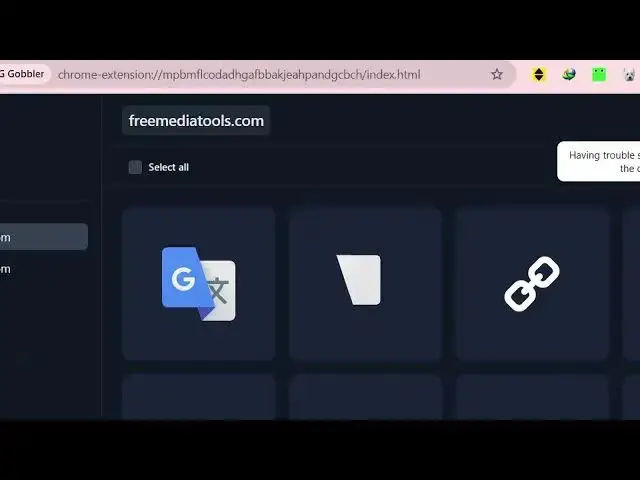
then click this button right here. So as
1:59
I visited this freemediatools.com. So it
2:01
extracted all the SVGs icons which are
2:04
present on this website and show to you
2:06
right here. So here you can copy this
2:10
and again if I visit any other website
2:12
here createest studio.com. So now if I
2:15
hit this chrome extension. So it will
2:18
redirect you and it will actually
2:20
extract all the SVGs which are present
2:23
on this website. And now you can select
2:25
any of these to actually see the code
2:27
here of this SVG as well on the right
2:30
hand side. So this is you can see it's
2:32
accessed from create studio. So you can
2:35
extract SVGs from any website and then
2:37
edit them as well using this editor as
2:40
well. On the left hand side you can
2:41
optimize the code as well and save
2:44
changes.
2:45
So you can import your own SVGs as well.
2:49
So
2:51
definitely you can format the code
2:55
and then you can download this. So this
2:57
is your SVG file downloaded. So thank
3:00
you very much for watching this video.
#Computers & Electronics
#Internet & Telecom