Up next in 10


Get the full source code of application here:
Show More Show Less View Video Transcript
0:00
Uh hey guys welcome to this video. So in
0:02
this video I'll show you a open-source
0:04
Google Chrome extension to find the X
0:06
path of any element in the website.
0:08
Xpath as you all know it's a very
0:10
important factor. You do need to find
0:13
XPath of the particular element. This
0:15
Google Chrome extension will definitely
0:18
help you. It's an open source extension
0:20
by this company which is let code.in and
0:23
it is very much required in selenium
0:26
library. you do need for automation you
0:28
need to find out the X path of the
0:30
element. So it's XPath finder very
0:33
simple and useful open-source project
0:35
and uh
0:38
you simply go to the extensions tab uh
0:43
simply say Chrome extensions and simply
0:46
inside this extension stored simply
0:49
search for this extension let Xpath
0:52
click on add to Chrome. So once the
0:54
extension is installed, you can simply
0:59
pin this extension. Now you simply go to
1:02
any website. Let me open my own website
1:04
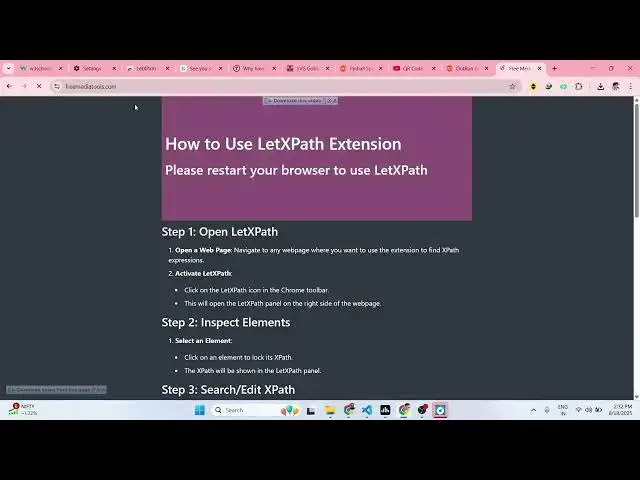
free media tools. Now if you want to get
1:06
the XPath of this element, you simply
1:08
click on that and select the parent
1:12
element and let me select this.
1:17
So as you right click, you will see this
1:19
option appearing select child.
1:27
Select parent.
1:35
So this is the extension. You simply
1:37
select the parent and then simply click
1:40
let x path.
1:45
You can visit any website here.
2:12
So then it will show you the XPath here.
2:15
This is the extension. Definitely check
2:18
out this.
2:21
It also has the video as well.
2:27
So it's a very useful extension.
2:29
Definitely try this. This is their own
2:31
YouTube video. You can definitely watch
2:33
it how it works.
#Internet & Telecom
#Open Source