Up next in 10


Get the full source code of application here:
Show More Show Less View Video Transcript
0:00
Uh hello guys, welcome to this video. So
0:02
in this video, I'll show you a VS code
0:04
extension uh which allows you to
0:06
basically calculate the uh size of each
0:09
package that you import inside your
0:11
code. So side by side, it will show you
0:14
the size here. So this is the extension
0:16
developed by vix.com. It's a verified
0:19
extension. Just go to the extensions
0:21
tab. Just search for import cost and the
0:24
very first extension which comes right
0:26
here. This is the extension.
0:28
So you just click the install button to
0:30
activate this extension. So once the
0:32
extension is activated.
0:35
So now whichever extension or package
0:38
you are importing inside your code, it
0:40
will show you the size of it. So for
0:43
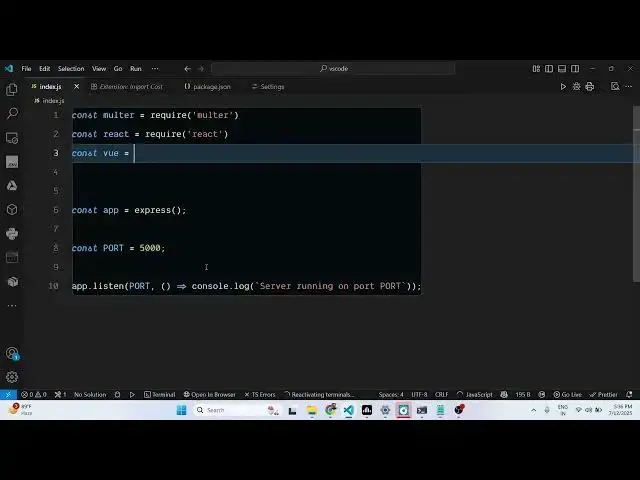
example, we have this JavaScript file
0:45
here. So we are using some third party
0:47
packages.
0:49
So as I import them using the required
0:51
statement.
0:53
So side by side it will show you the
0:55
size.
1:12
So once activated it will take some time
1:14
for activating and then after that it
1:16
will show you the size here you can see.
1:21
So as you are importing the package so
1:23
side by side you will see the size of it
1:26
as well. So that way you will definitely
1:28
know how much is the size of the
1:31
package. So it appears in this green
1:33
color and this red color. So it clearly
1:37
shows highlights the size of the
1:39
package. So this is the extension you
1:41
can definitely install it. Import cost.
1:44
It's used almost 5 million developers.
1:47
So also check out my website
1:50
freemediattools.com
1:52
uh which contains thousands of tips.
#Internet Software
#Web Services